More Powerful MCU
The ESP32-S3R2 offers 2MB of PSRAM and is equipped with an external 16MB Flash, making the upgraded memory configuration more suitable for Ul and complex system design.
HomeProductsWiFi LoRa 32 V4.3 - R2
WiFi LoRa 32 V4.3 - R2
ESP32S3R8 + SX1262 LoRa Node, Meshtastic, MeshCore and LoRaWAN Compatible
BoardLoRaWi-FiBLE/BT
01 / 03
$17.90 — $21.90
The WiFi LoRa 32 V4 - R2, the next gen to the Heltec V3, is a powerful, high-efficiency IoT maker board featuring an ESP32S3R2 MCU and SX1262 LoRa Node chip; retaining the V3’s size and identical pinout, it integrates performance upgrades including a built-in Wi-Fi/Bluetooth antenna, 28±1dBm LoRa output power, and a protected OLED display; its superior RF and stable system design ensure it’s ready-to-use and highly beginner-friendly, supporting development via Arduino, PlatformIO, ESP-IDF, and MicroPython; making it ideal for long-range wireless open-source projects like Meshtastic, LoRaWAN, and Meshcore in applications such as smart cities and industrial control, with custom hardware available on the Heltec MQB platform.
You May Also Like
06 picksExplore all products
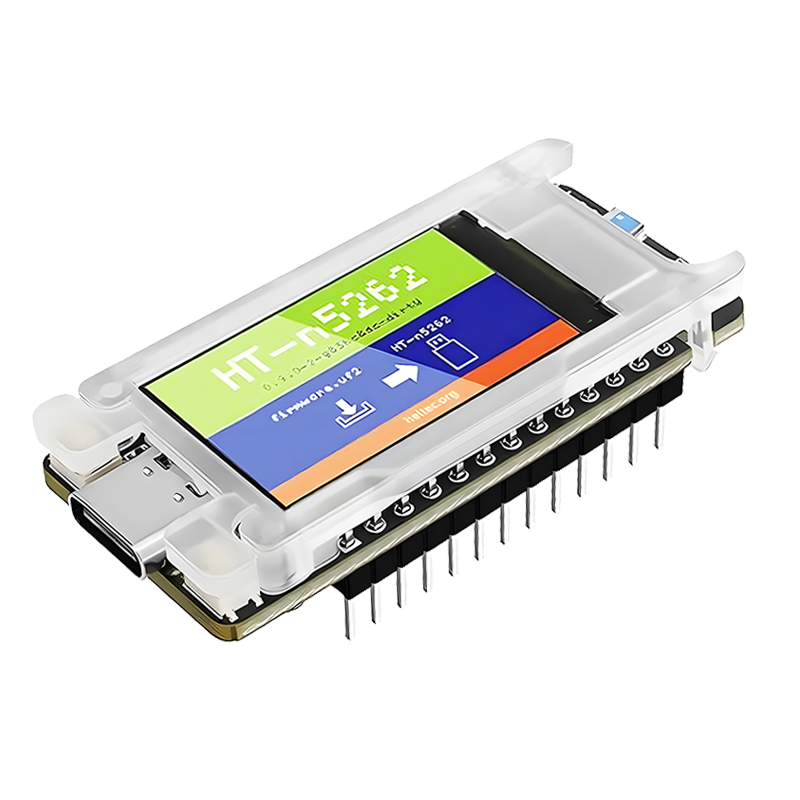
Mesh Node T114 (Rev. 2.0)
nRF52840 + SX1262 LoRa Node, Meshtastic, MeshCore and LoRaWAN Compatible
$17.90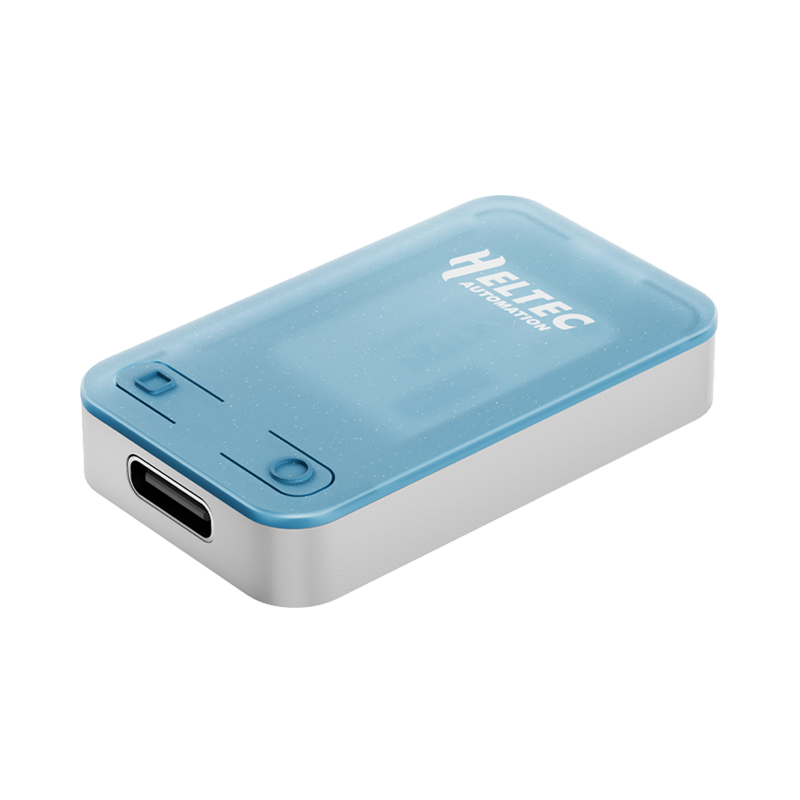
RadioCore RC32
RadioCore ESP32-S3 LoRa Wi-Fi HaLow, Meshtastic, MeshCore, LoRaWAN
$9.90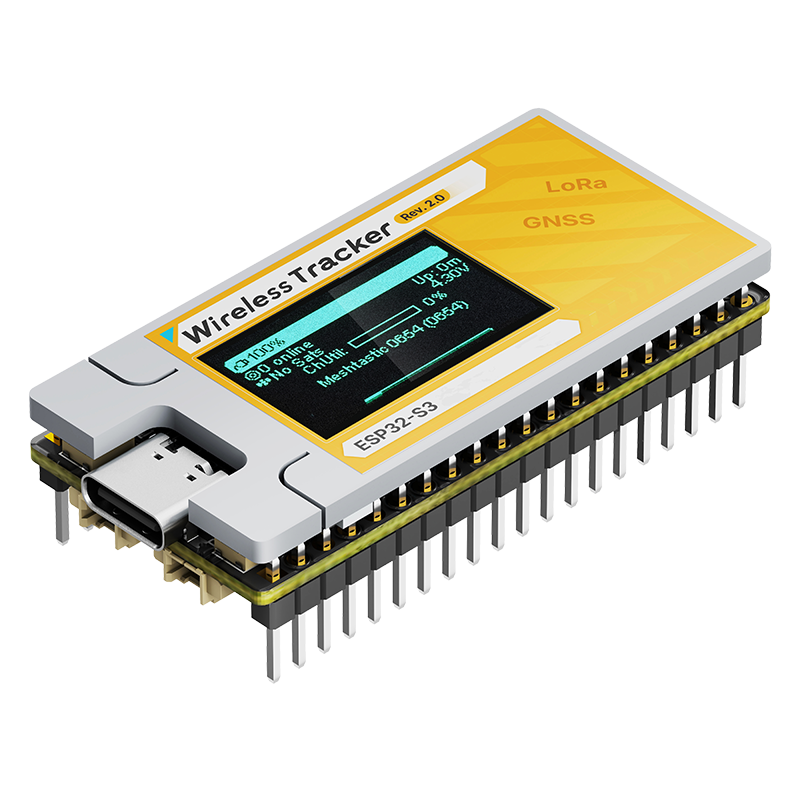
Wireless Tracker V2
ESP32-S3 +GPS+LoRa Node, Meshtastic, MeshCore and LoRaWAN Compatible
$30.90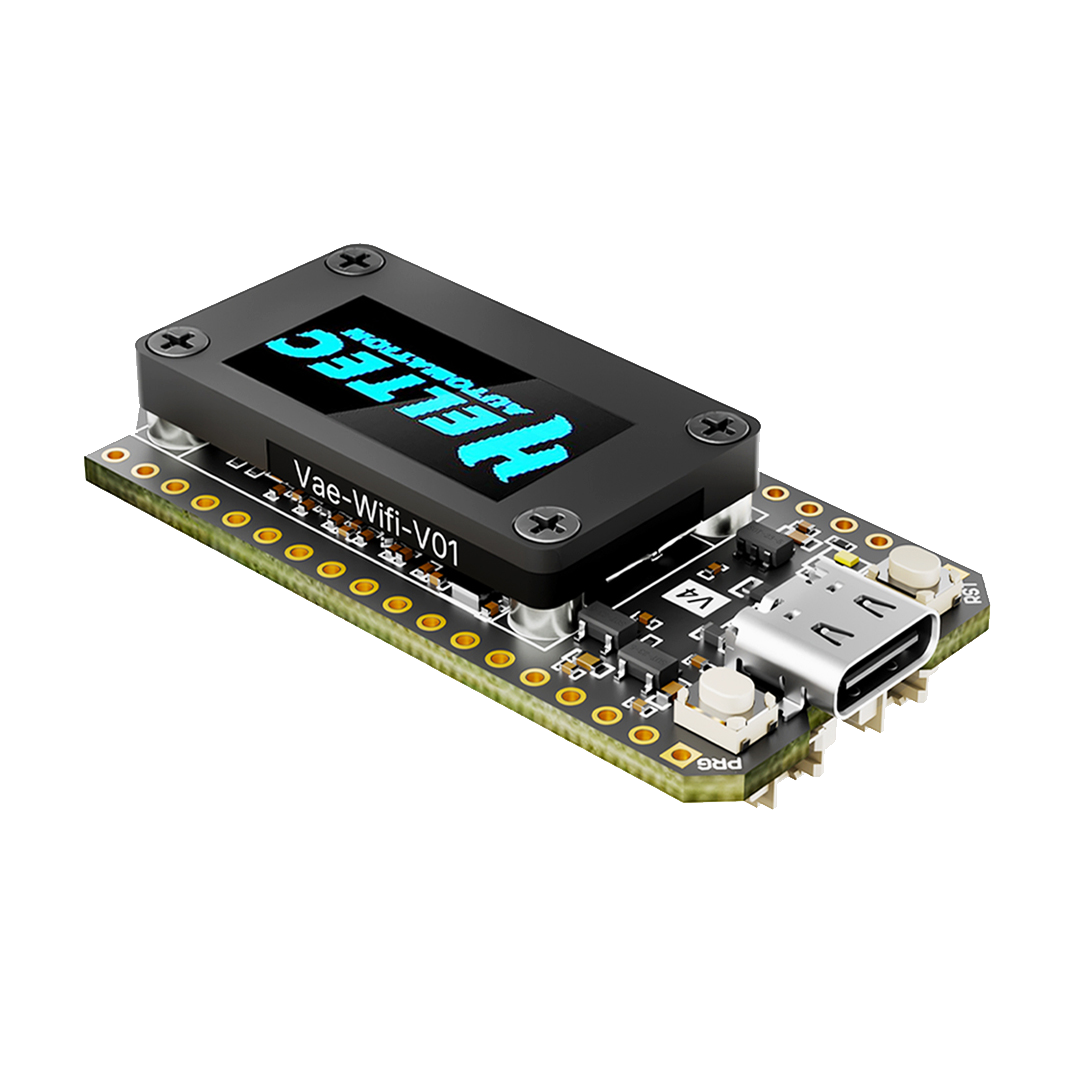
WiFi LoRa 32 V4.3 -- R8
ESP32S3R8 + SX1262 LoRa Node, Meshtastic, MeshCore and LoRaWAN Compatible
$17.90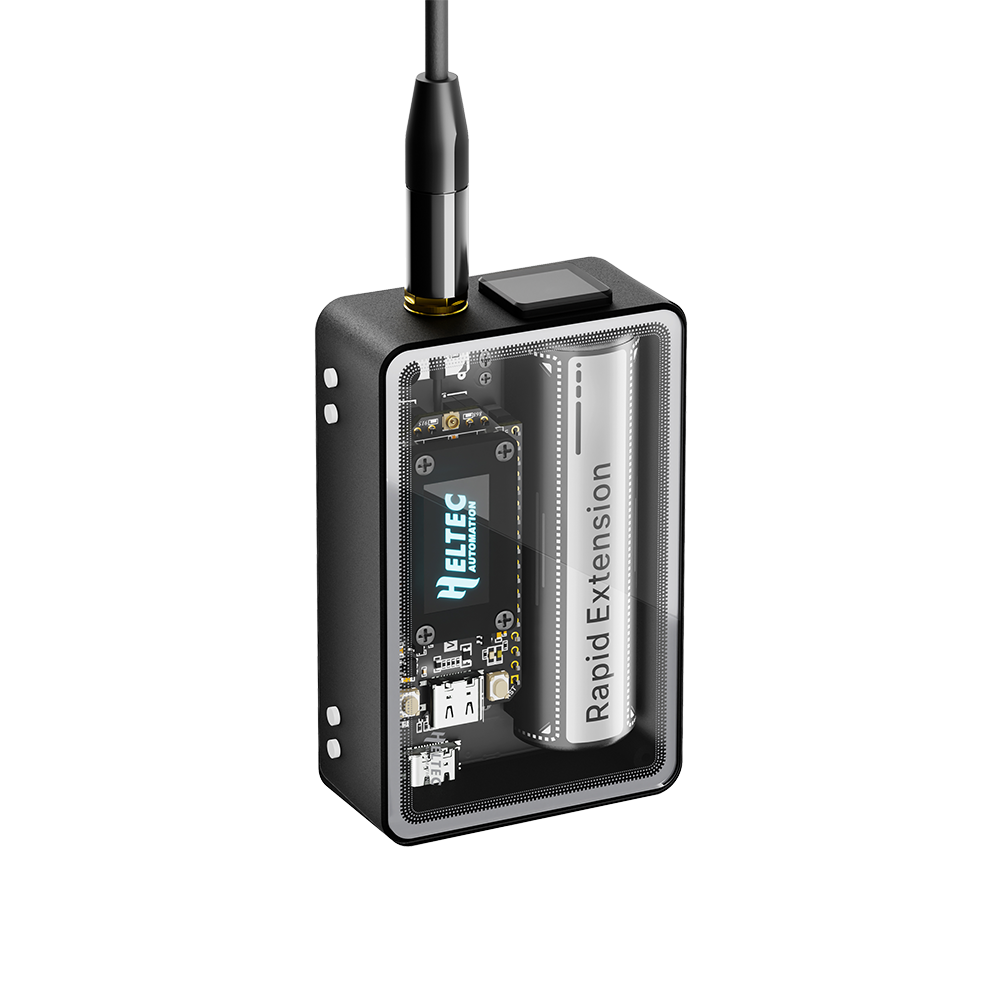
WiFi LoRa 32 V4.3 (R2) Expansion Kit - Tempered Glass
Multifunctional expansion enclosure designed specifically for the WiFi LoRa 32 V4.3 - R2,
$49.90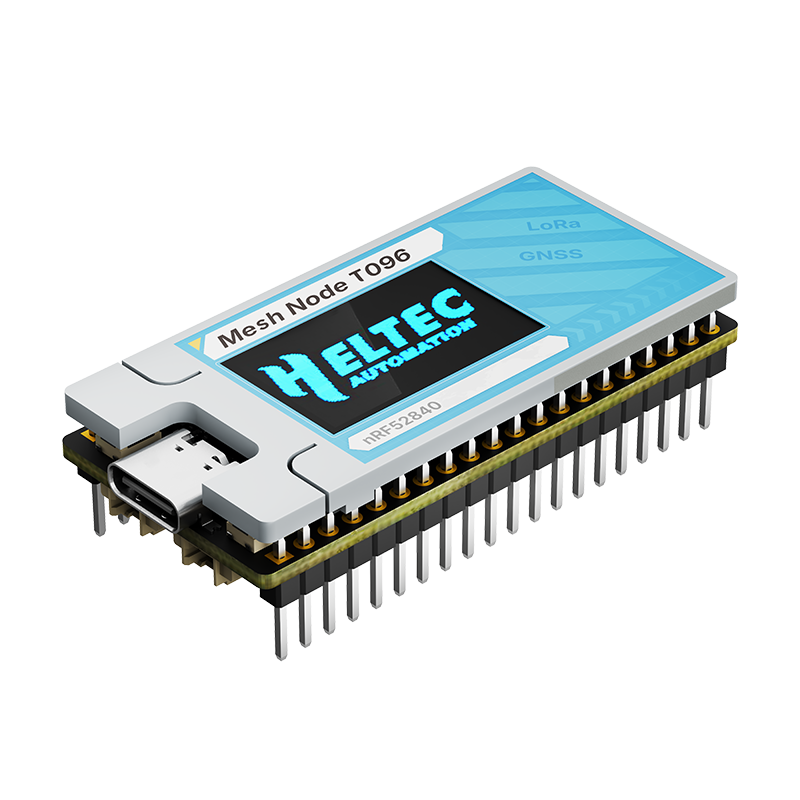
Mesh Node T096
nRF52840 +GPS+LoRa Node, Meshtastic, MeshCore and LoRaWAN Compatible
$33.90Compare Difference
Current product
WiFi LoRa 32 V4.3 - R2
Before You Buy
- The WiFi LoRa 32 V4.3 now comes in R2 and R8 versions. This page is the WiFi LoRa 32 V4.3 - R2 version, which features the ESP32S3R2 as its main chip.
- Please check the table below to choose the right model.
| Parameters | WiFi LoRa 32 V4.3 -- R2 | WiFi LoRa 32 V4.3 -- R8 |
|---|---|---|
| MCU | ESP32-S3R2 | ESP32-S3R8 |
| PSRAM | 2MB | 8MB |
| Merits | Extra free pins | Ideal for heavy-load tasks |
| Meshtastic | Name: firmware-heltec-v4-xxxx, version higher than 2.7.20 | Name: firmware-heltec-v4-r8-xxxx Version higher than 2.7.25, Temporary Download, |
| MeshCore | Version higher than 1.15 | Awaiting Merge | Temporary Download |
Summary
The WiFi LoRa 32 V4.3 -- R2, the next gen to the Heltec V3, is a powerful, high-efficiency IoT maker board featuring an ESP32S3R2 MCU and SX1262 LoRa Node chip; retaining the V3’s size and identical pinout, it integrates performance upgrades including a built-in Wi-Fi/Bluetooth antenna, 28±1dBm LoRa output power, and a protected OLED display; its superior RF and stable system design ensure it’s ready-to-use and highly beginner-friendly, supporting development via Arduino, PlatformIO, ESP-IDF, and MicroPython; making it ideal for long-range wireless open-source projects like Meshtastic, LoRaWAN, and Meshcore in applications such as smart cities and industrial control, with custom hardware available on the Heltec MQB platform.
Please note that when selecting the 433.470–510 MHz frequency band, the WiFi LoRa 32 V4.3 - R2 is only available with an OLED display, 21±1 dBm output power, and without a filter.
Video
Main Features
- Based on ESP32-S3R2 & SX-1262, supports Wi-Fi b/g/n, BLE, and LoRa communication.
- LoRa Transmit Power: High-power version 28 dBm, Low-power version 22 dBm.
- PC casing protects the screen and integrates an FPC 2.4G antenna.
- Form factor and pin compatibility with WiFi LoRa 32 V3.
- PC casing protects the screen and integrates an FPC 2.4G antenna.
- Added 1.25-2-pin solar panel interface and 1.25-8-pin GNSS interface.
- Optimized lithium battery management.
- Low power consumption is less than 20μA.
Product Block

Specifications
| Parameters | Description |
|---|---|
| MCU | ESP32-S3R2 |
| LoRa Chip | SX1262 |
| Frequency | High-power version: 863-928MHz |
| Low-power version: 433-510MHz | |
| Wi-Fi | 802.11 b/g/n, up to 150Mbps |
| Bluetooth | Bluetooth (LE), Bluetooth 5, Bluetooth Mesh |
| Hardware Resource | 7 x ADC1 + 2 x ADC2; 7 * Touch; 3 * UART; 2 x I2C; 2 x SPI; etc. |
| Memory | 384KB ROM; 512KB SRAM; 16KB RTC SRAM; 2MB PSRAM; 16MB Flash |
| Interface | Type-C USB; 1.25 * 2 Pin lithium battery interface; 1.25 * 2 Pin Solar interface; 1.25 * 8 Pin interface; LoRa ANT(IPEX1.0); 2.4G ANT(IPEX1.0) |
| Battery applicable | 3.3 - 4.2V lithium battery |
| Operating Temperature | -20 - 70 ℃ |
| Dimensions | 51.7 * 25.4* 10.7mm |
Pin Map

Highlight
1 / 4
Packing List
The default packing list without selecting any accessories is as follows:
| Item | Quantity |
|---|---|
| WiFi LoRa 32 (V4) | x1 |
| LoRa Antenna | x1 |
| 1.25×2 Connector (for battery&solar) | x2 |
| 2.54*18 Header Pin | x2 |
FAQ
Q01Failed to flash firmware or upload code
Heltec Support
1.Enter BootLoader mode: Connect the USB-C cable, hold down the PRG button, press the RST button once, then release the PRG button.
2.Replace a USB data cable.
3.Change the port on the computer.
Q022.4GHz Antenna
Heltec Support
For the screenless version, the 2.4 GHz antenna is connected to the IPEX connector by default.
For the OLED version,The default 2.4G FPC antenna is located on the side of the plastic screen bracket.
Hardware 4.2
If you wish to use an IPEX-connected 2.4G antenna, you need to remove the inductor marked as①in the diagram below, and add a 0-ohm resistor (or other conductive metal or cable) at the position marked ② to connect to the IPEX interface.
Hardware 4.3
move the resistor from Mark 2 to the position of Mark 1
Why is it designed this way?
By default, it is connected to the onboard FPC, and its circuit has been tested to achieve optimal performance. When you switch the resistor to IPEX, the IPEX connector will achieve optimal performance.
If both the IPEX interface and the FPC contacts are connected at the same time, the communication performance on both sides will be degraded.
This is a 0-ohm resistor. If you don’t have high requirements for the 2.4G signal, you can directly use a soldering iron to short-circuit both directions at once, making both sides work simultaneously.
Q03What’s the battery socket type?
Heltec Support
You can find this type of socket by search “SH1.25 x 2”.
Q04Why are there no resistors soldered on the 868 and 915 markings? Which frequency band does my device actually support?
Heltec Support
It indicates simultaneous support for both 868 MHz and 915 MHz frequency bands.
In the initial design, we developed two separate hardware versions to achieve optimal RF performance. However, through subsequent debugging, we have successfully unified the hardware for both 868 MHz and 915 MHz while maintaining excellent RF characteristics.
Q05The screen does not display
Heltec Support
Please note: “Meshtastic UI” is for use with the touchscreen. For ordinary OLED screens, please do not select it.
Q06SAW filter
Heltec Support
Remove R32, mount 0Ω resistors on R37 and R38, then solder the SAW filter on U10.
Q07LNA for V4.3
Heltec Support
Note: The following content only applies to hardware V4.3 and above
-
Meshtastic 2.7.20: On the device, use the PRG button to navigate to “System” → “LoRa”, where you can choose to enable or disable LNA.
-
MeshCore 1.15.0: LNA is enabled by default and cannot be modified.
- You can download the firmware from this link, which has LNA disabled by default: LNA Disable
- With the firmware from this link, LNA can be toggled via button long press: LNA configurable
- We have submitted a PR. In the near future, official firmware will also support toggling LNA via command line or button.
No Reviews Yet
Customer reviews for this product will appear here when available.
Contact
Markdown is supported. Switch between editing and previewing your message.
From
$17.90 — $21.90