
Network foundation
What Is Meshtastic?
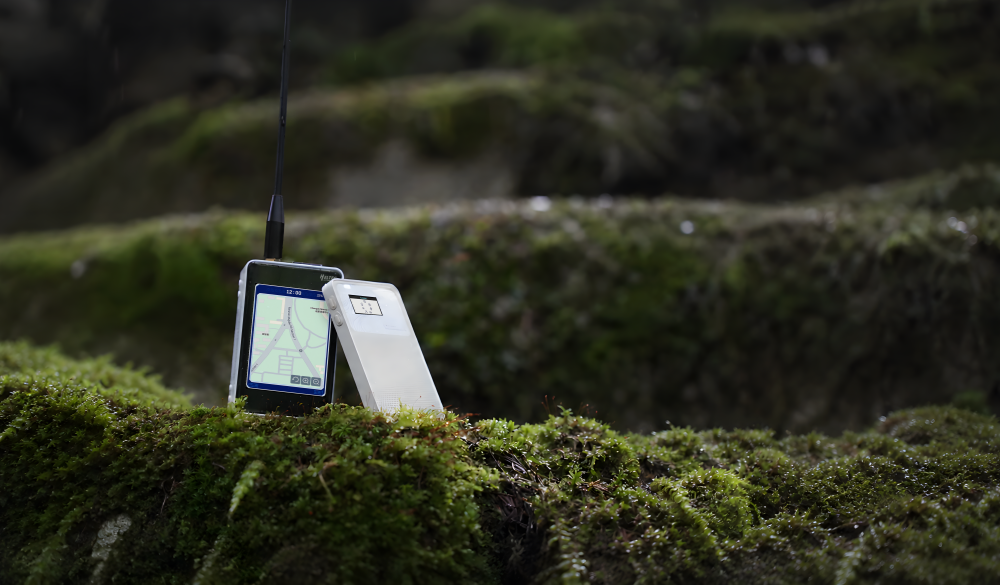
Meshtastic is an open-source, long-range radio technology for off-grid messaging without cellular or Wi-Fi infrastructure. Low-power devices form decentralized peer-to-peer mesh networks.
When power and cellular service fail, nearby devices can continue relaying text messages through ad-hoc mesh nodes.
Explore MeshtasticEveryday intent
Why We Made MeshPocket
Not everyone needs Meshtastic all the time. The challenge was keeping it useful enough to stay by your side every day.
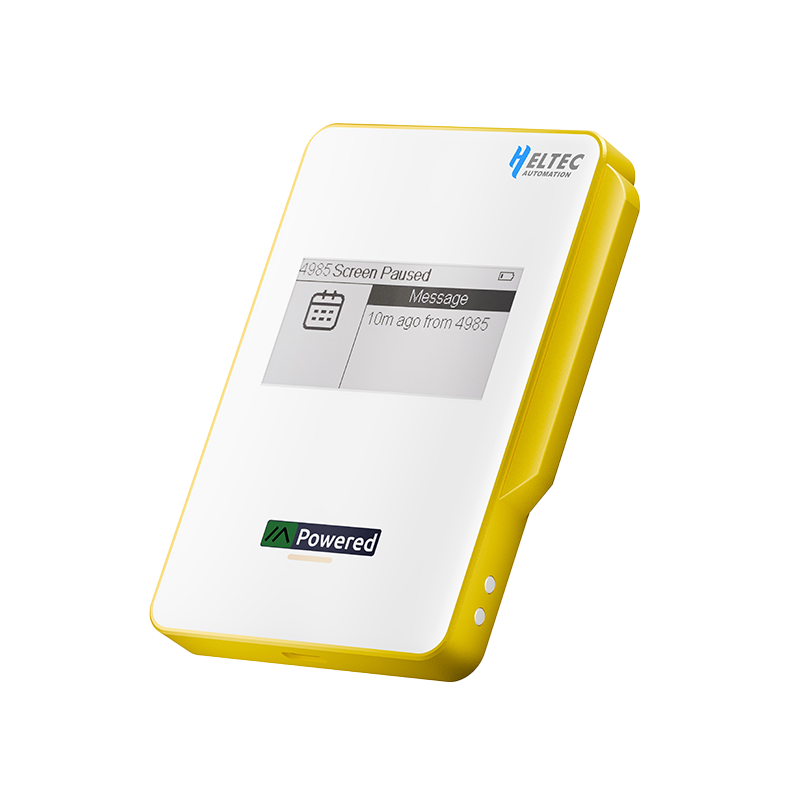
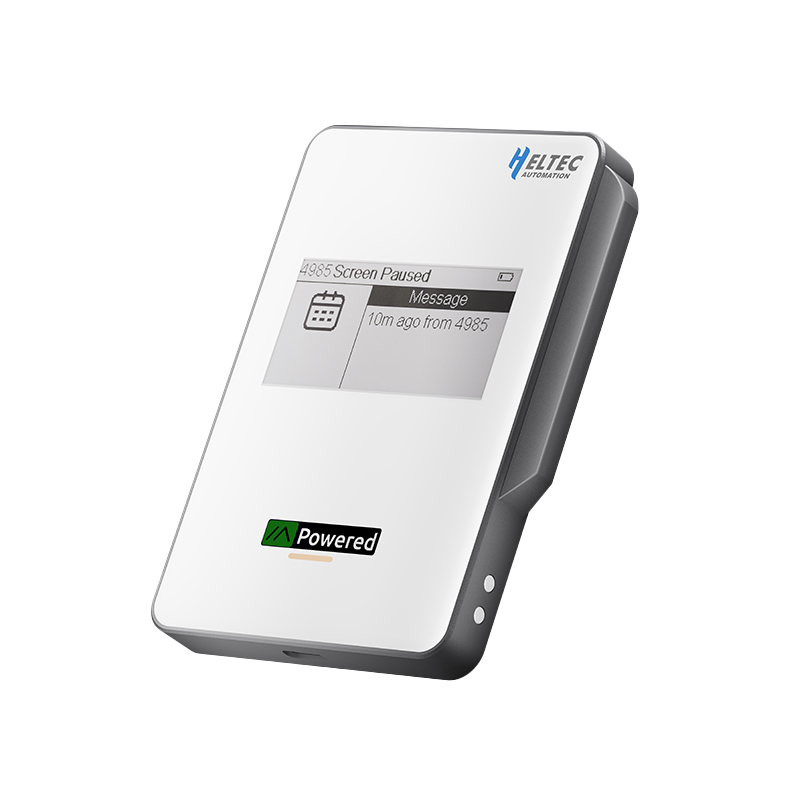
MeshPocket behaves like a daily electronic companion, then becomes a fully functional Meshtastic device when emergency communication is needed.
Integrated device architecture
Key Features
A pocket device with system-level intent, where display, radio, power, and enclosure work as one integrated device rather than a loose development stack.
The MeshPocket integrates the following features:
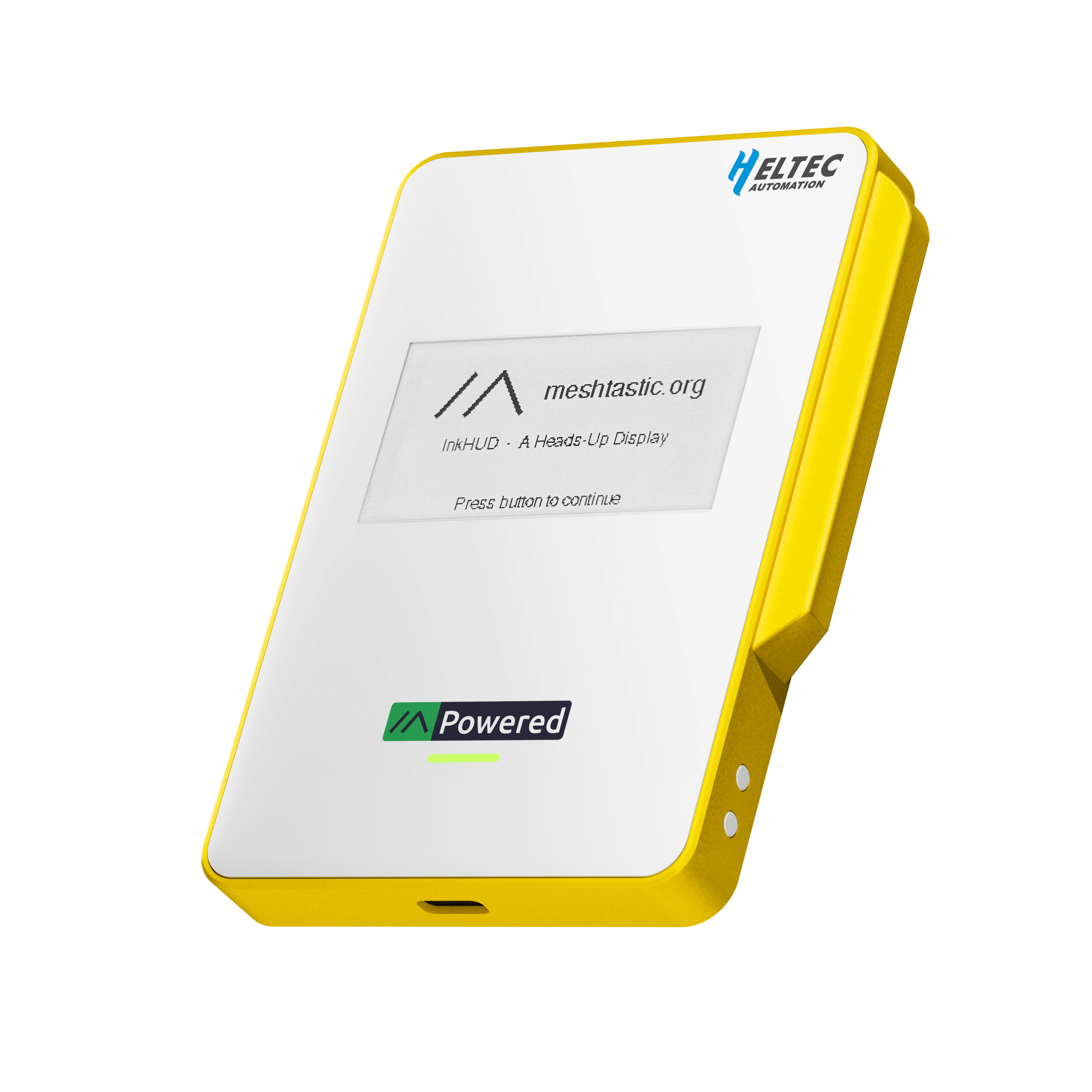
Meshtastic 2.6 InkHUD
A plug-and-play Meshtastic 2.6 device with an always-readable low-power information surface.
InkHUD presents messages and device status without waking a bright, high-power display.
The integrated experience improves everyday usability while retaining Meshtastic's off-grid communication model.
Qi2 Certified
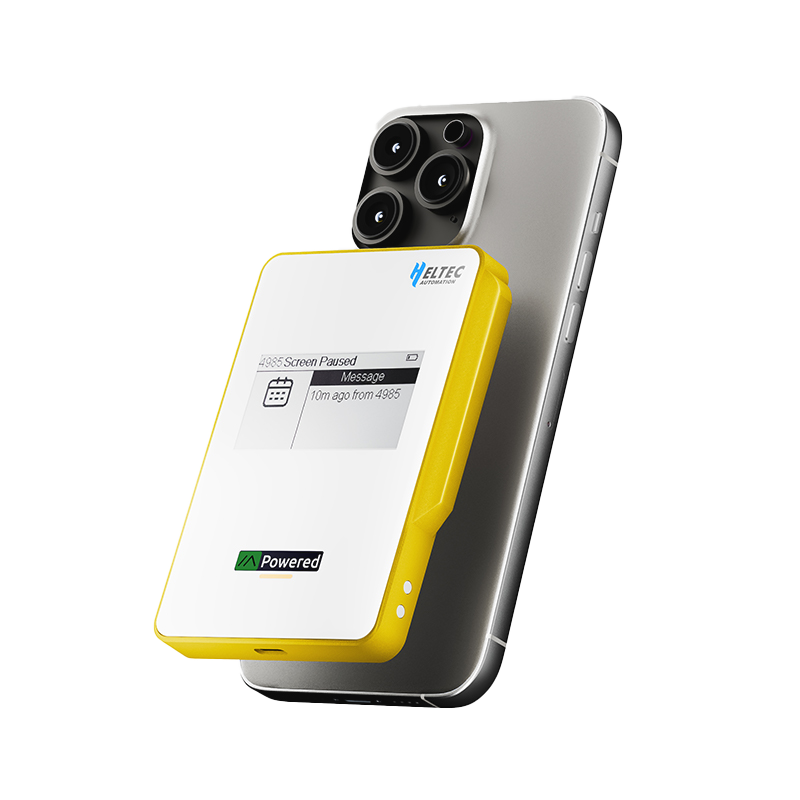
Magnetically aligned wireless charging turns MeshPocket into an everyday power companion.
Qi2 builds on Qi 1.3 with magnetic alignment and the MPP protocol for accurate positioning.
Adaptive 5W, 7.5W, 10W and 15W output helps manage heat during longer charging sessions.
USB-C & PD3.1
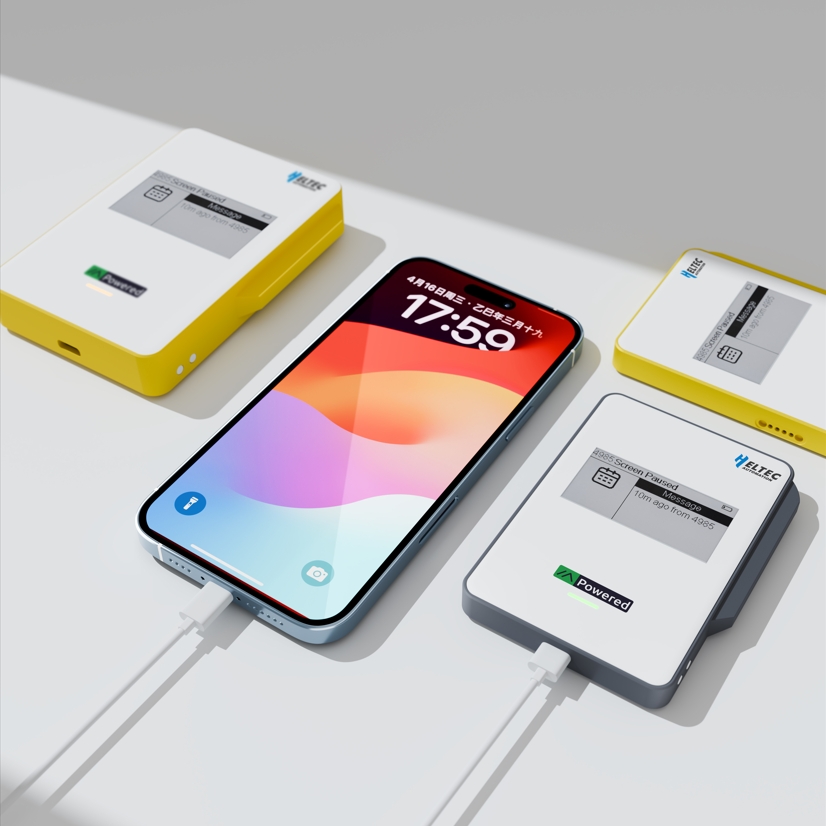
Fast wired power remains available when wireless charging is not supported or not preferred.
PD3.1 support allows MeshPocket to serve a broader range of portable devices through USB-C.
The same compact device can support mesh communication, wireless charging and wired power delivery.
Developer Friendly
The nRF52840 and SX1262 architecture provides a familiar foundation for Meshtastic development.
Source code and schematics are available for developers who want to extend the platform.
A magnetic programming interface simplifies firmware updates and experimentation.
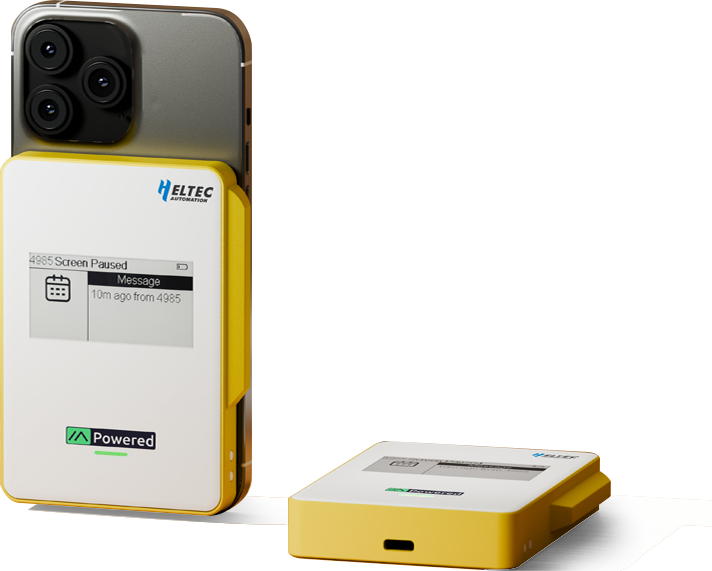
All-in-One Structure
The radio, antenna, display and power system are resolved as one portable object.
A custom integrated LoRa antenna avoids the bulk of an external SMA connection.
The enclosure preserves RF performance while keeping the device comfortable for everyday carry.
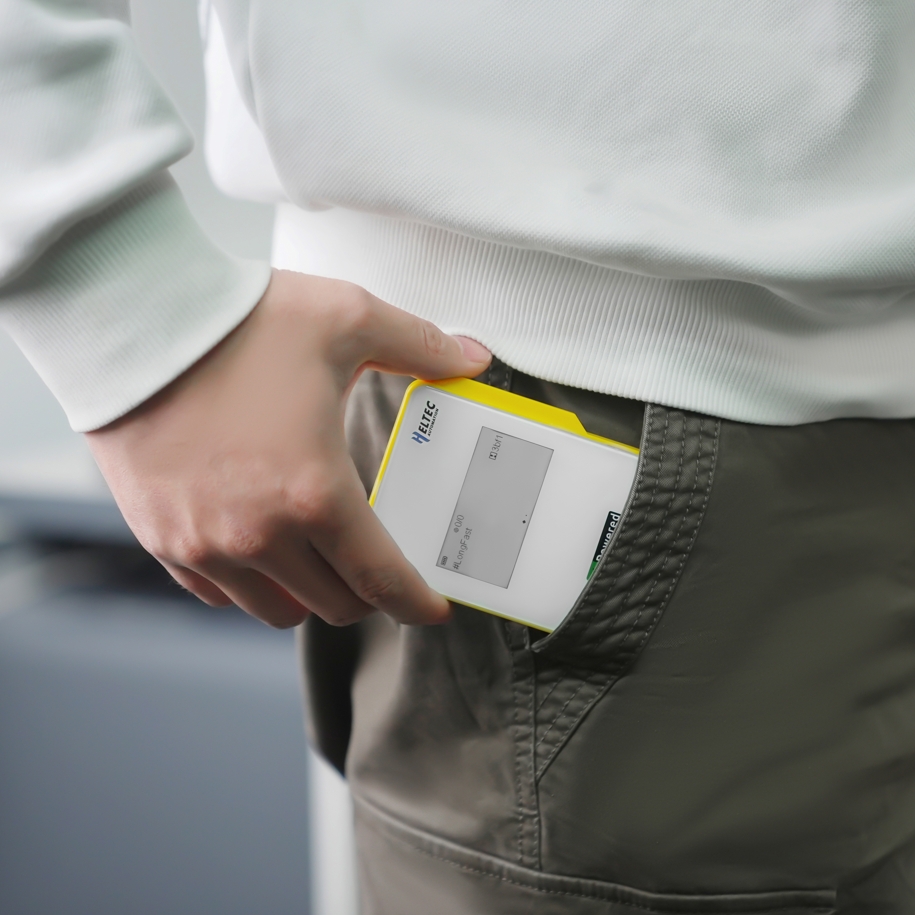
Design concept
Emergency Capability That Earns a Place in Daily Life.
MeshPocket integrates Meshtastic emergency communication into an everyday companion. It keeps devices charged and preserves a way to communicate when conventional networks fail.
We hope emergencies never arrive. If they do, MeshPocket is designed to provide one more practical option.
Getting started
Three Simple Charging Paths.
Wireless Charging
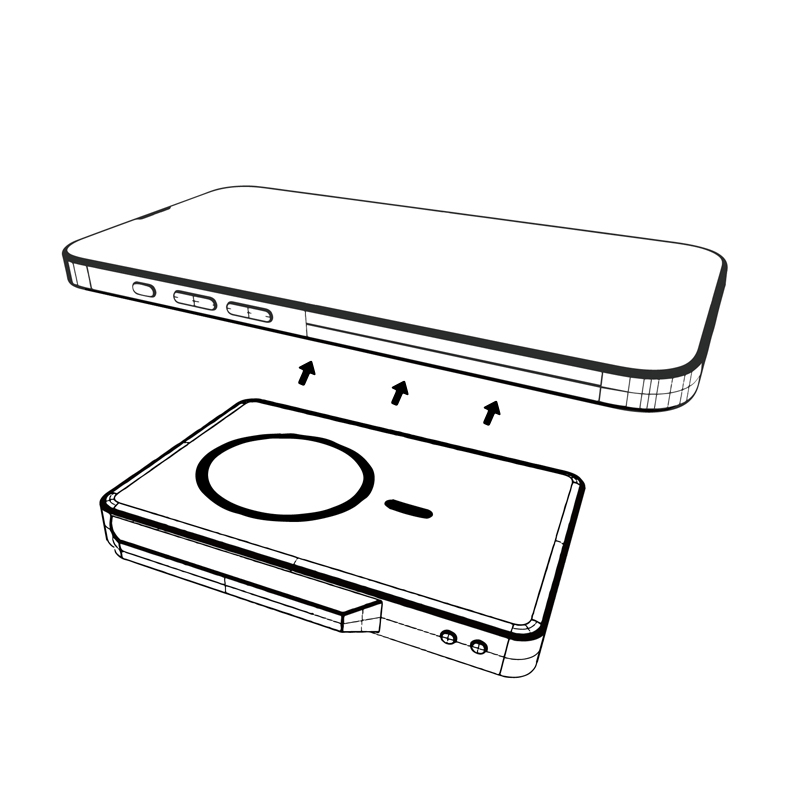
Charge Another Device
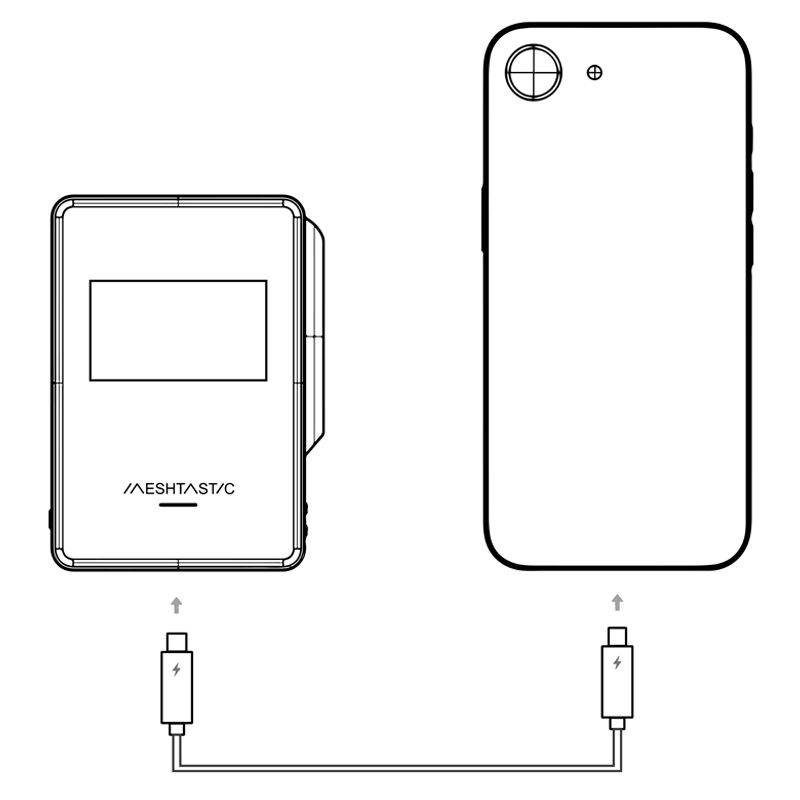
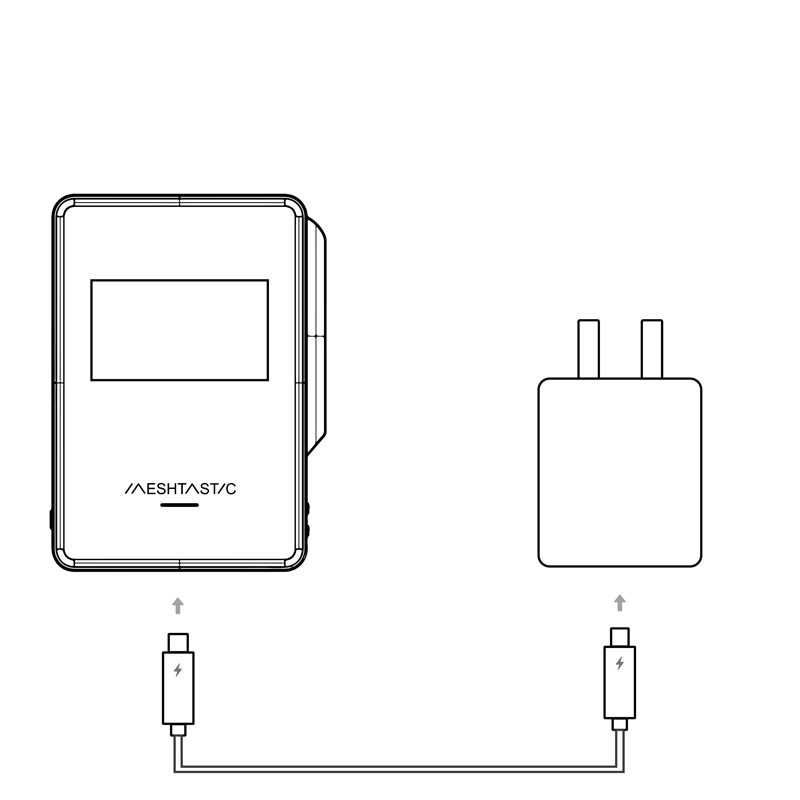
Recharge MeshPocket
Operational notes
What You Should Know Before Deployment.
Select a question to reveal the operating guidance. Collapsed items show only the question.
01Can wireless charging reduce Meshtastic radio range?
02How can I suspend wireless charging?
03Why can a very low-power device stop charging?
Build the system
Choose Your MeshPocket.
Select the capacity that fits your daily carry and backup-power needs.