Setup sequence / 01
Framework First. Libraries Second.
ready → select board
ready → install framework
ready → add libraries
ready → install framework
ready → add libraries
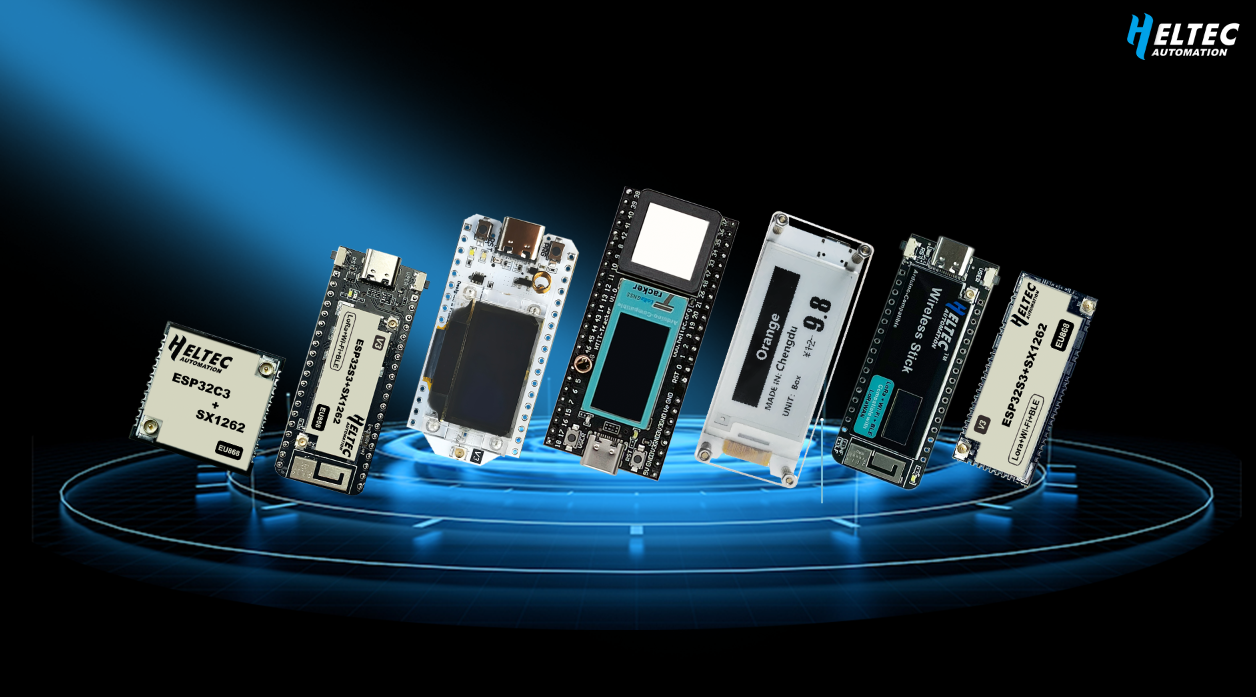
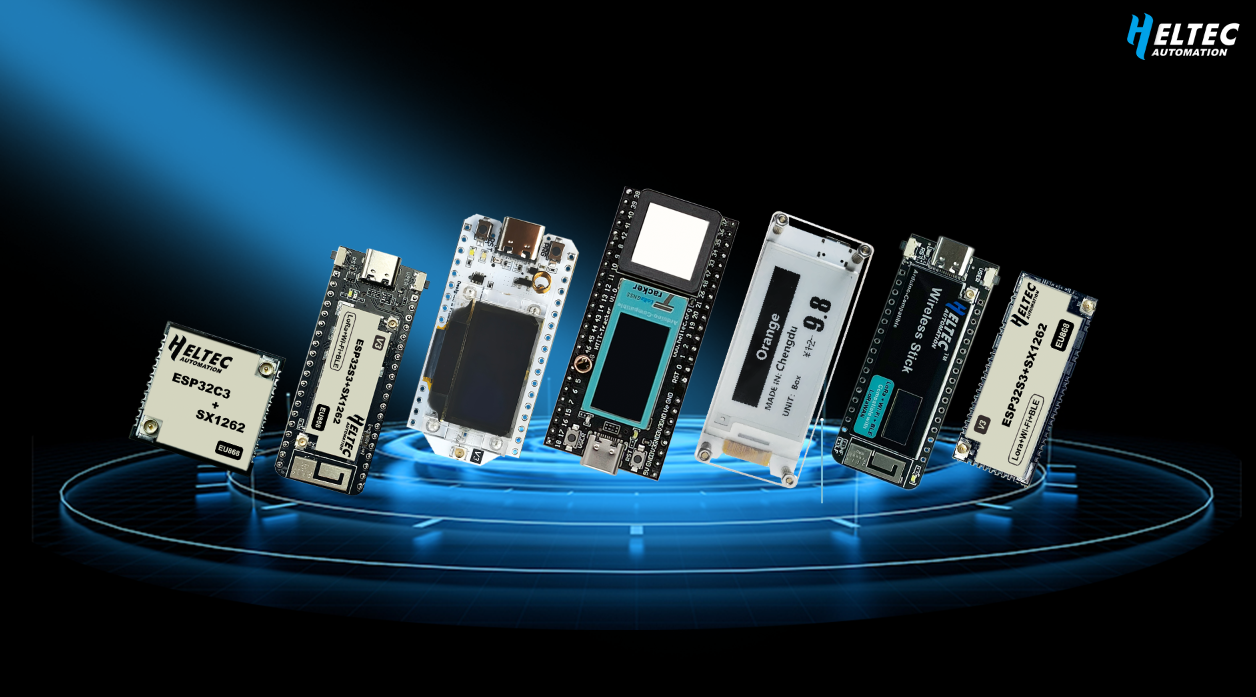
- WIFI Kit 32, WIFI LoRa 32, Wireless Stick, Wireless Stick Lite, Wireless Shell — — Based on ESP32 chips, The underlying driver and compilation environment for ESP32 is required
- WIFI Kit 8 — — Based on ESP8266 chips, The underlying driver and compilation environment for ESP8266 is required
- ESP32 development framework install: https://docs.heltec.org/en/node/esp32/quick_start.html
- ESP8266 development framework install: https://docs.heltec.org/en/arduino/esp8266_arduino/quick_start.html
1. Install Heltec ESP(ESP32 and Esp8266) Development Framework:
- GitHub repository: https://github.com/Heltec-Aaron-Lee/WiFi_Kit_series
Please refer to the README.md document to clone and install. This project must in ” *:\Documents\Arduino\hardware\ ” path.
2. Install Arduino Library
- Install Heltec ESP32 Arduino library: https://github.com/HelTecAutomation/Heltec_ESP32
- Install Heltec ESP8266 Arduino library: https://github.com/HelTecAutomation/Heltec_ESP8266
Please refer to the README.md document to clone and install. Arduino library must in ” *:\Documents\Arduino\libraries\ ” path.