
Meshtastic:
The valid firmware filename is: “firmware-heltec-v4-r8-tft-xxxx.factory.bin” Click to download
MeshCore:
Awaiting Merge | Temporary Download, Click to download.
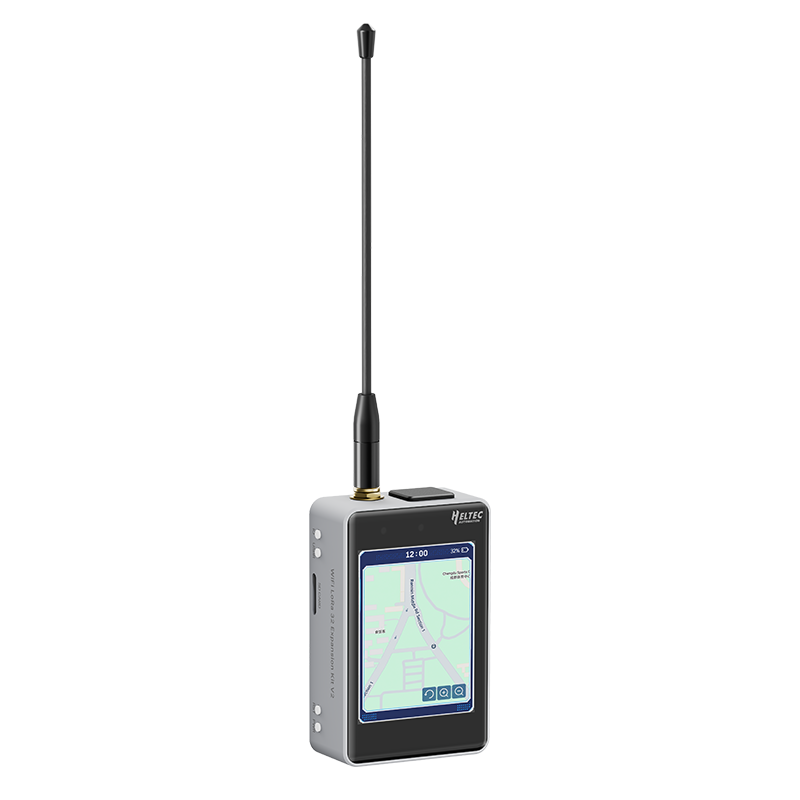
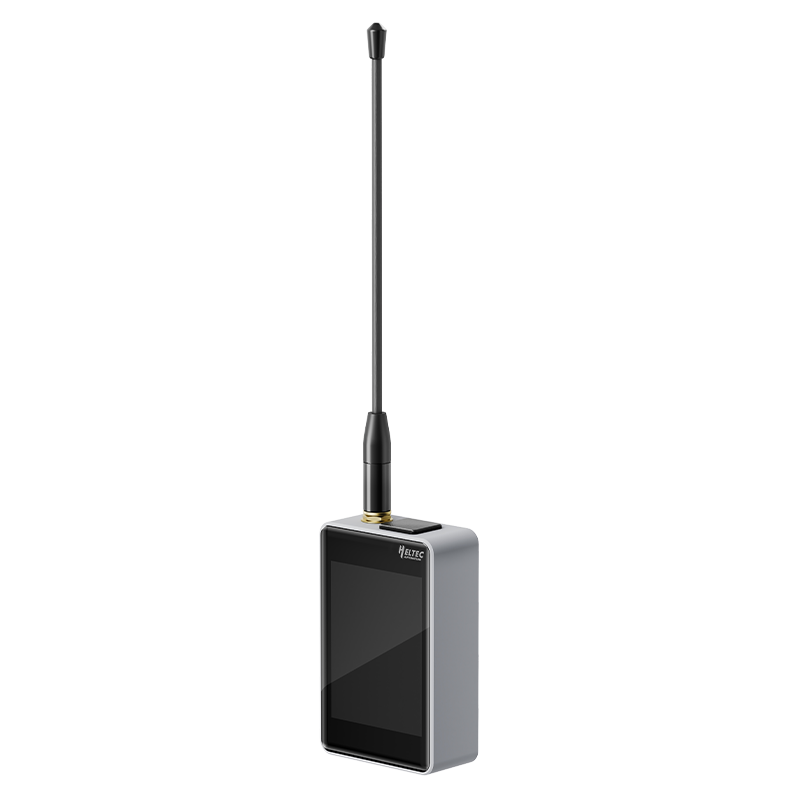
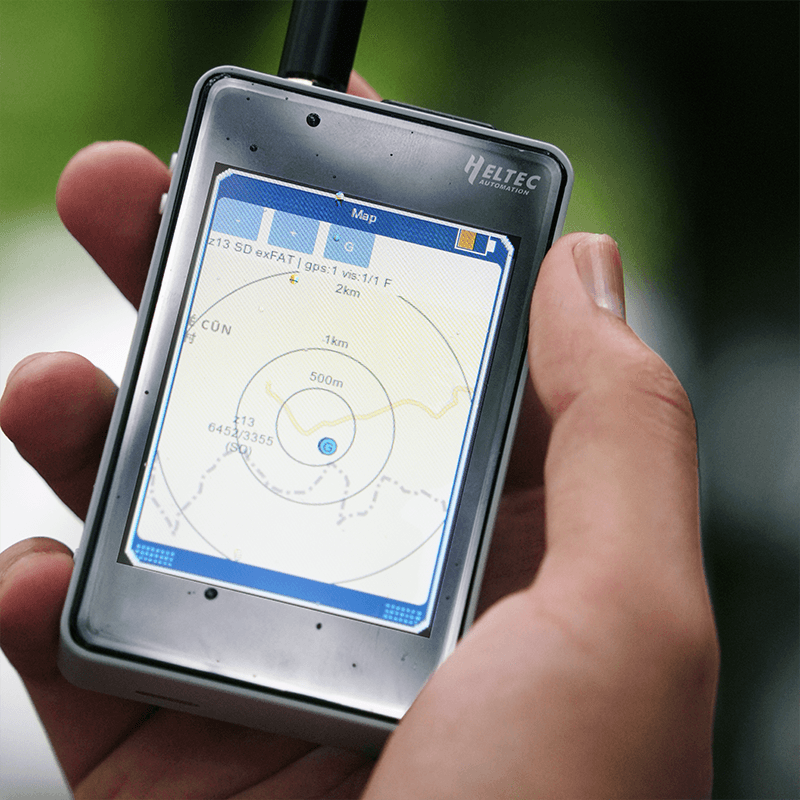
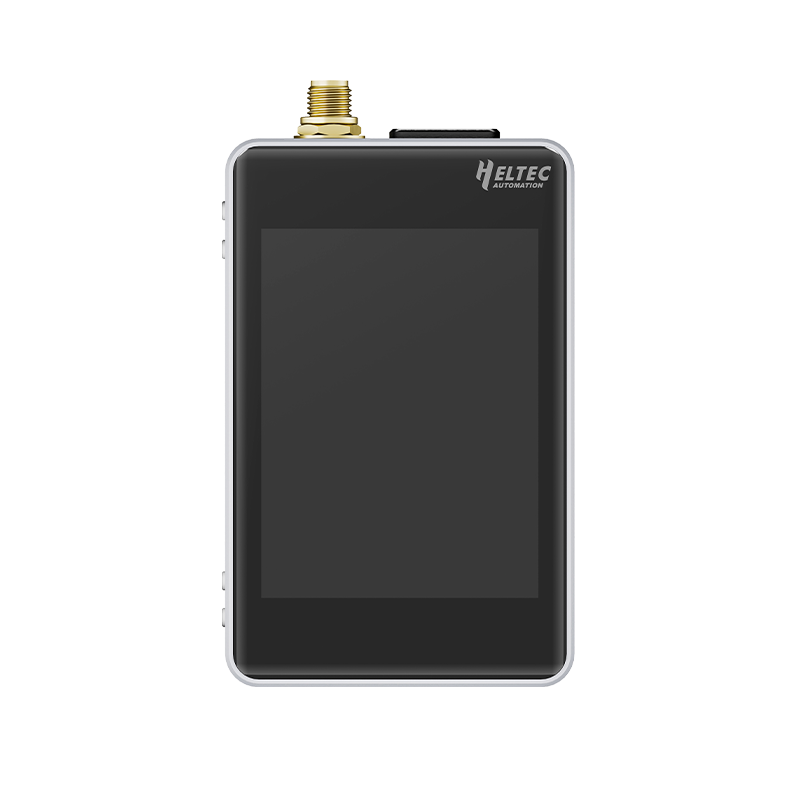
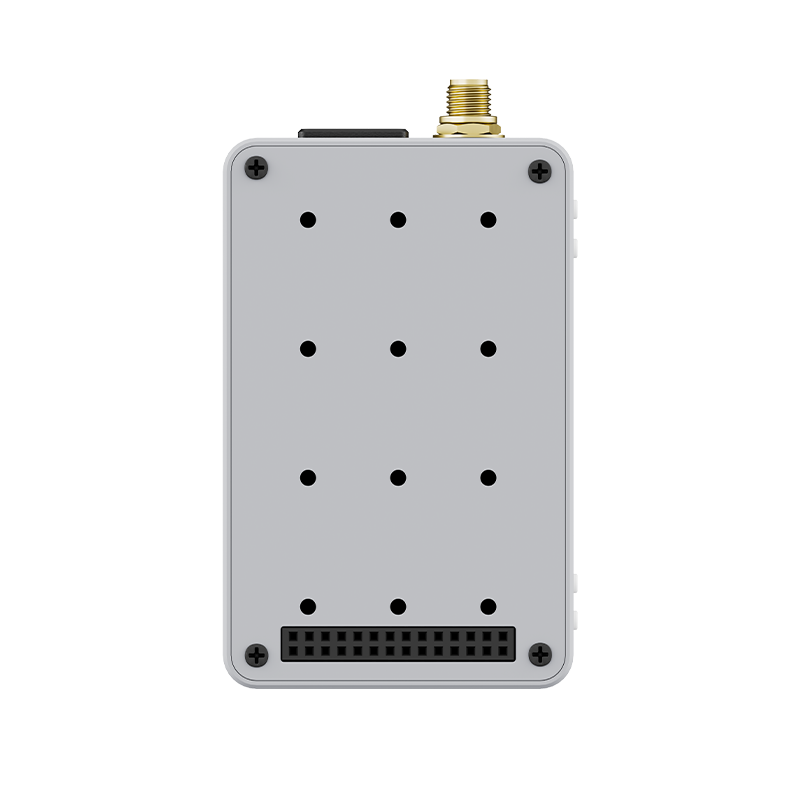
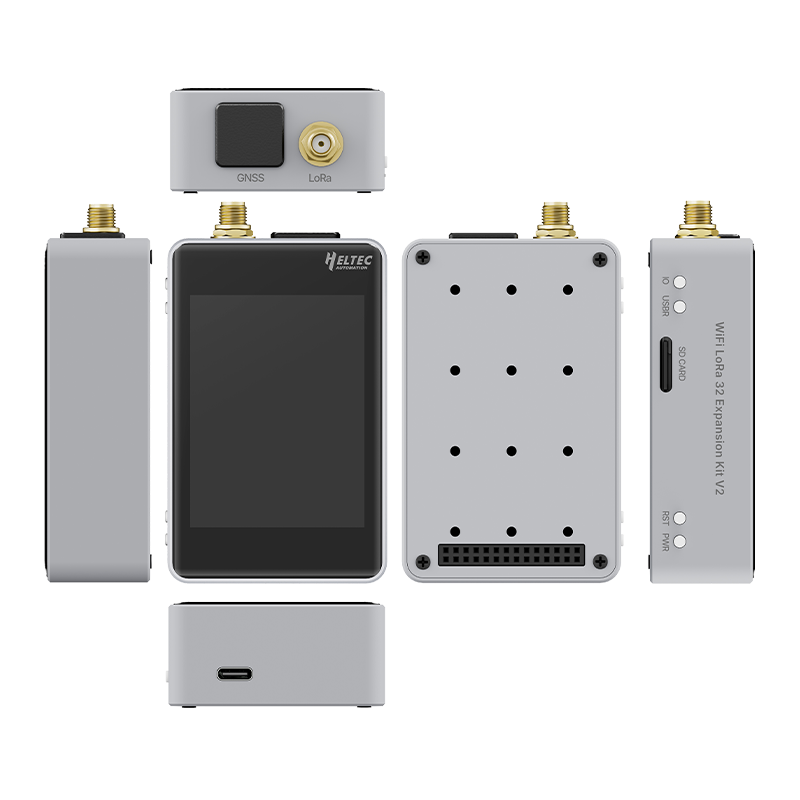
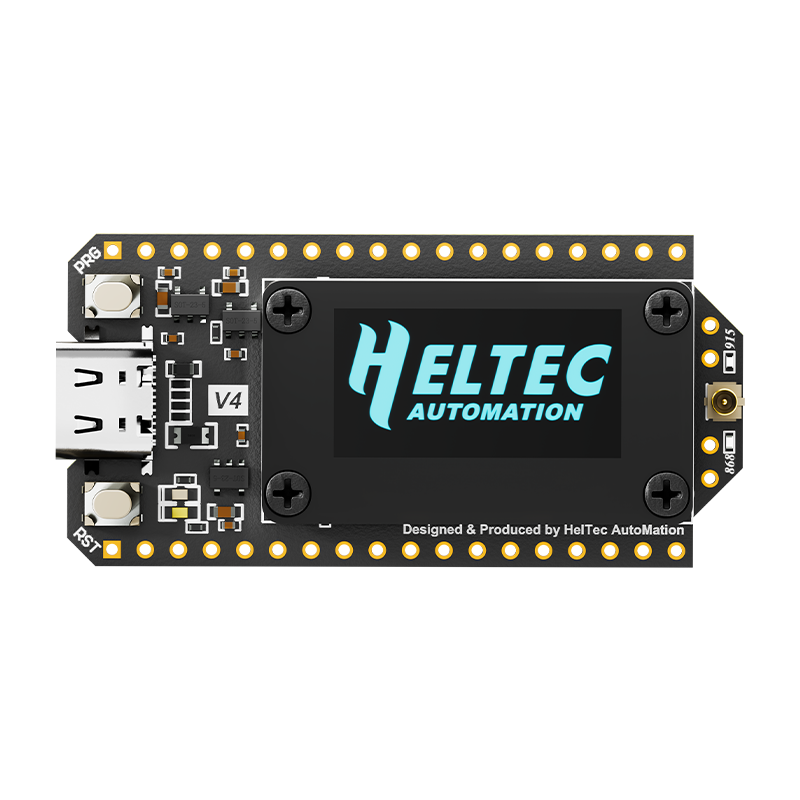
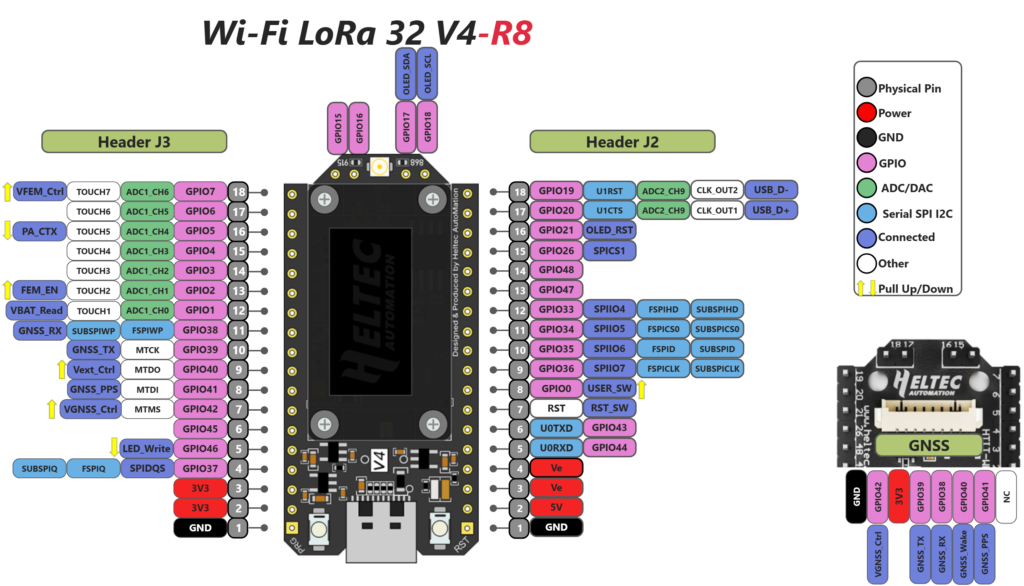
The WiFi LoRa 32 Expansion Kit Gen 2 is compatible with the latest WiFi LoRa 32 V4-R8 (8M-PSRAM) and features a newly added SD card slot, which enhances its performance in high-load applications such as offline maps.
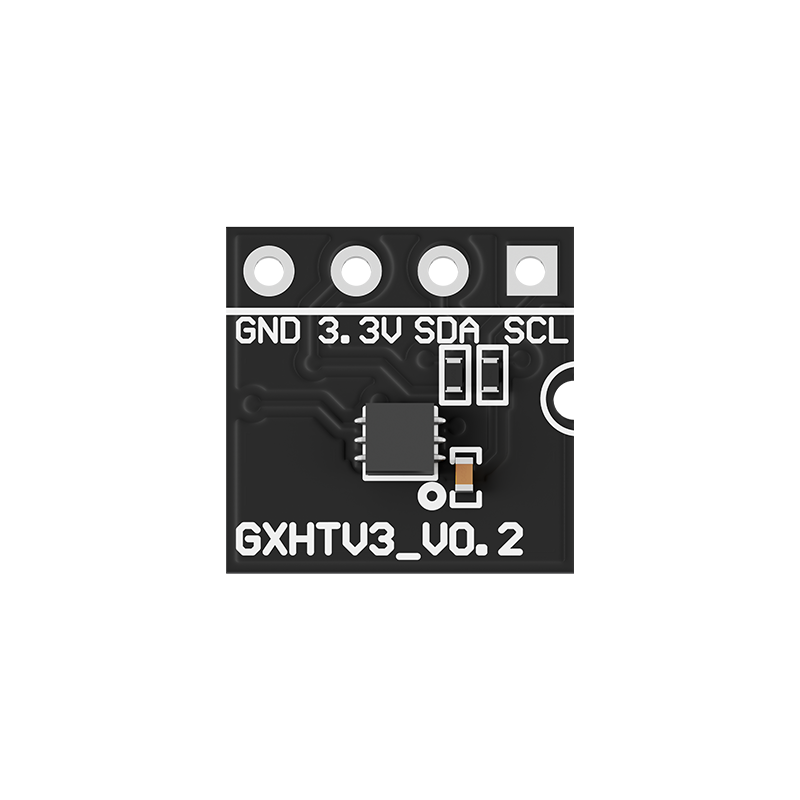
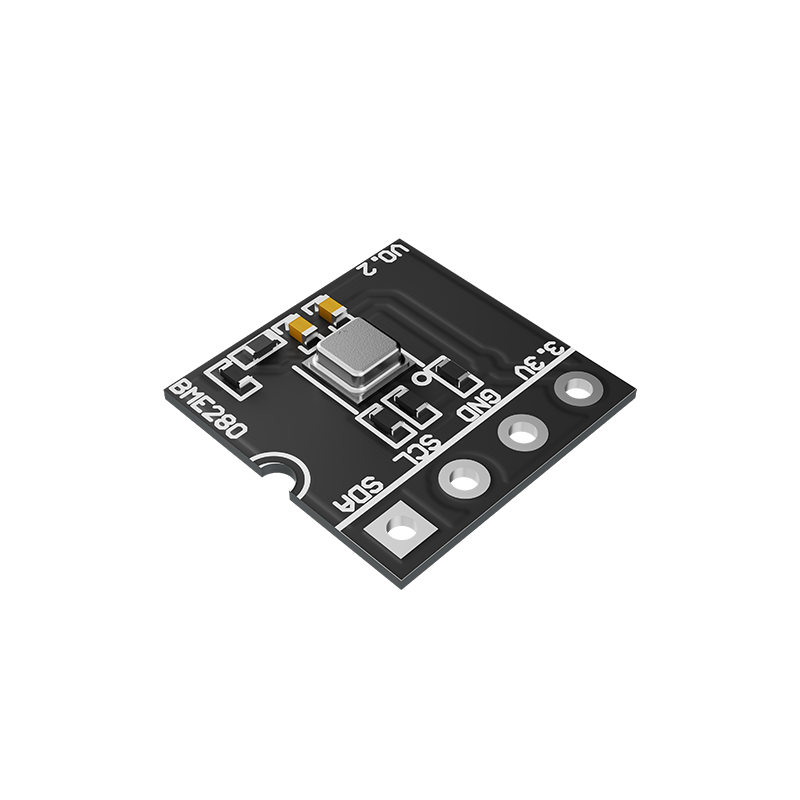
The new version comes with a buzzer and GNSS module integrated by default, and you can also add additional sensor options through the expansion options on the baseboard.
Meanwhile, the baseboard has been upgraded to a new aluminum base plate, making the structure more robust.
| Parameters | Description |
|---|---|
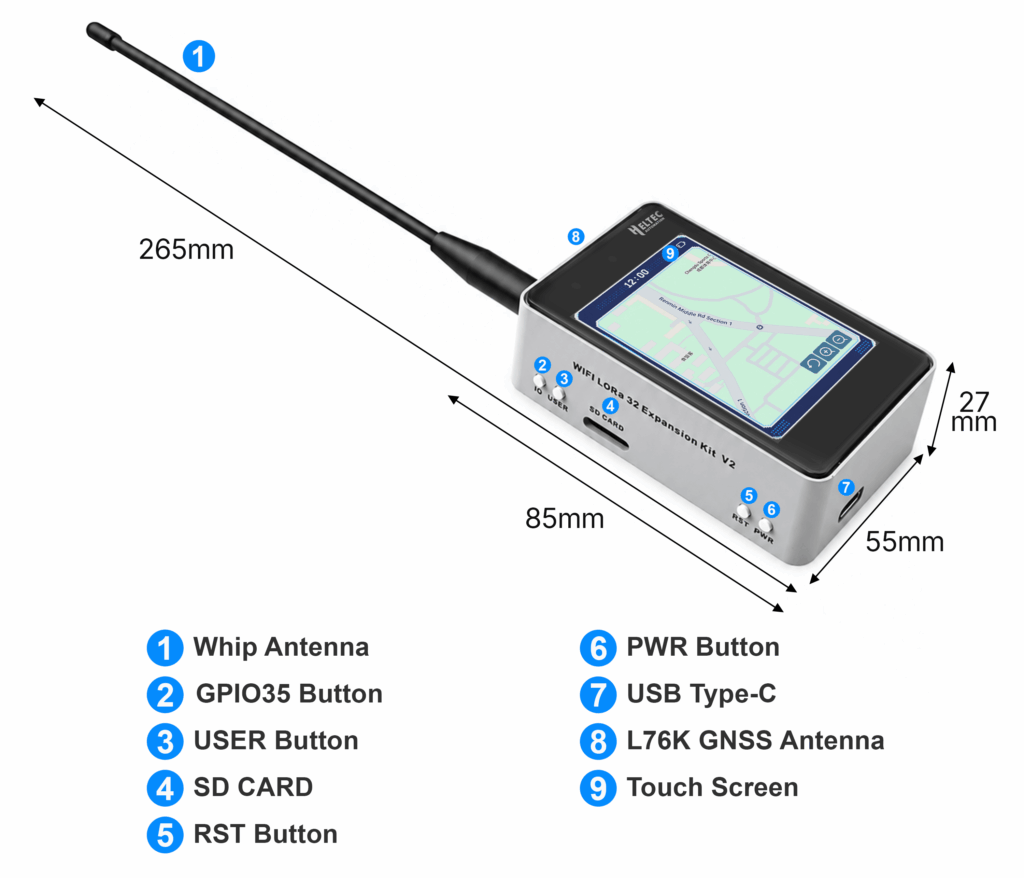
| Enclosure Material | Front Cover:Touch Screen; Side Cover: Aluminum Alloy; Rear Cover: Aluminum Alloy |
| Battery(Optional) | 2800mAh 18650 flat-top Li-Ion Battery (Selecting “With Battery” will incur additional shipping costs) |
| SD Card Slot Type | TF Card (Micro SD) |
| GNSS Module | Quectel L76K |
| Touch Screen | 2.8 inch TFT |
| Dimensions | 52×52×15mm |
| Weight | 200g (excluding battery) |
| Expansion Socket | B2B Female |
| Antenna | Whip, SMA Female |
Battery is optional. Please note that selecting the battery will incur additional shipping costs.
Any 18650 flat-top lithium battery with a voltage range of 3.3~4.2V.
No, it does not feature waterproofing.
When the device is identifying GPS, the timing of the buzzer is disrupted, causing it to sound somewhat unusual. This commonly occurs when the device is first started up, and it will return to normal after about one minute.
How to Flash Firmware
1. Connect the USB-C cable to the computer.
2. Press and hold the USER key, then press the RST key once. Release the USER key afterward.
3. Flash the new firmware.
4. After the firmware is successfully flashed, press the RST key to restart the device.
Note: The following content only applies to hardware V4.3 and above
In touch mode, the Bluetooth function cannot be used. Programming mode is only for Bluetooth firmware updates.
When you tap the “Bluetooth” option that appears on the shutdown button:
– Long press the “Bluetooth” icon to enter BASE UI mode, where Bluetooth companion mode can be used.
– Short press the “Bluetooth” icon to enter programming mode.
The default packing list without selecting any accessories is as follows:
| Item | Quantity |
|---|---|
| Housing | x1 |
| WiFi LoRa 32 V4 | x1 |
| Expansion Board | x1 |
| LoRa Antenna | x1 |
| 18650 lithium battery (Optional) | x1 |
| Back Clip | x1 |
| Weight | 159 g |
|---|---|
| Dimensions | 19.5 × 10.5 × 4.5 cm |
| LoRa Freq | 863-928MHz, 470-510MHz, 433MHz |
| TX Power | 21dBm, 28dBm |
| Front Panel | Tempered Glass, Touch Screen |
| Battery | YES, NO |
You must be logged in to post a review.
$66.90 – $69.90Price range: $66.90 through $69.90
Reviews
There are no reviews yet.