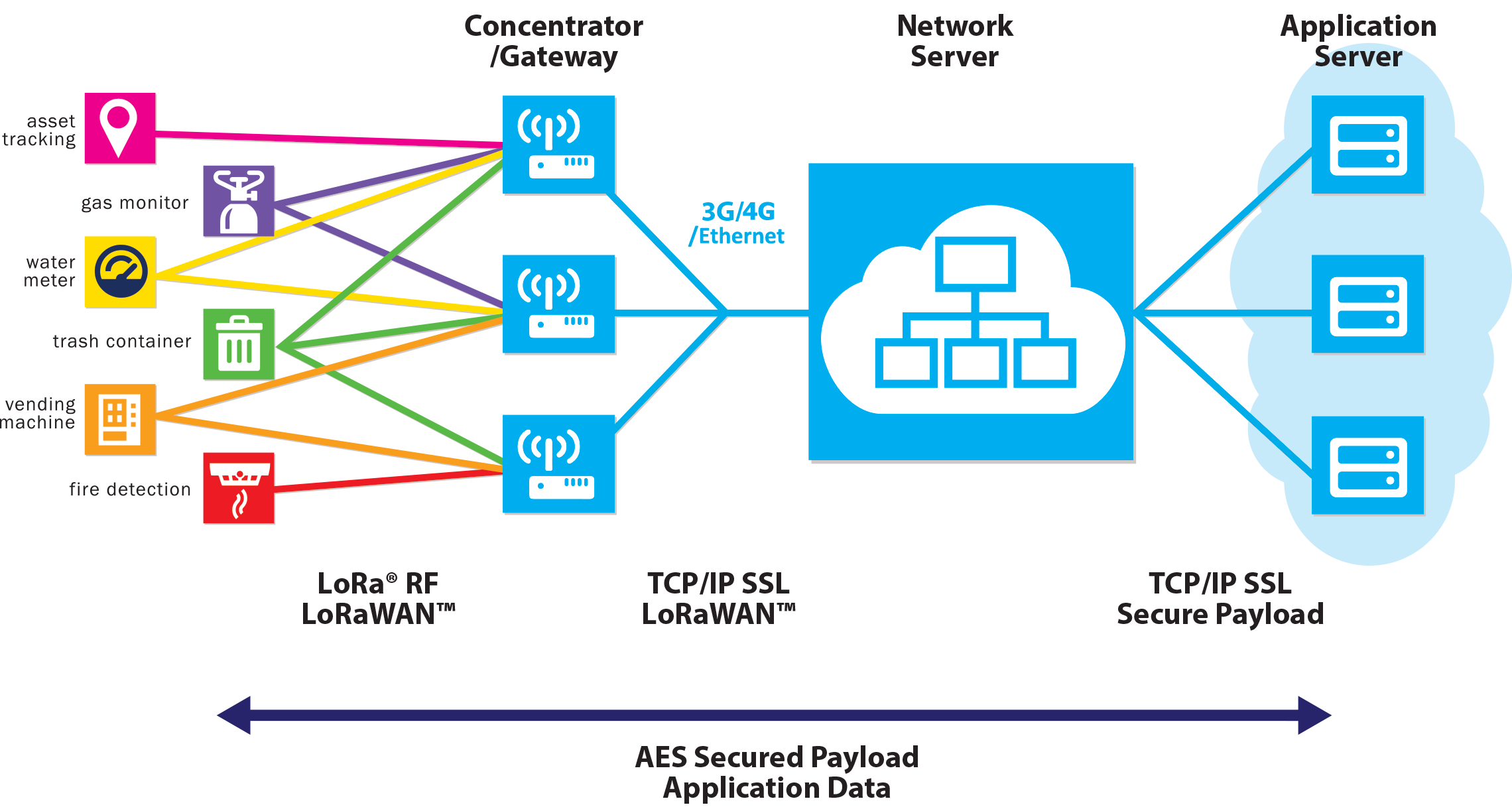
Advantages of Using LoRaWAN
Long-Range Transmission
- Wide Coverage: LoRaWAN signals can travel several kilometers, making it ideal for large-scale monitoring.
- Strong Penetration: Maintains stable connections even in complex environments like inside buildings.
Low Power Consumption
- Long Battery Life: Devices consume minimal power, allowing batteries to last several years, reducing maintenance needs.
- Energy Efficiency: Suitable for long-term deployments, lowering energy consumption.
Data Security
- Encrypted Transmission: Provides end-to-end encryption to ensure data security.
- Authentication Mechanism: Supports device authentication to prevent unauthorized access.
Real-Time Monitoring
- Instant Feedback: Real-time data transmission allows for quick responses to environmental changes.
- Remote Management: Enables remote monitoring and management, improving efficiency.
Build the System
Setting up a LoRaWAN network involves the following steps:
1. Plan the Network Architecture
01Coverage Area
Define the area to be covered and the number of nodes to be connected to decide on gateway locations and quantities
02Operating Environment
The presence of obstructions in the environment and the level of surrounding noise can directly impact the transmission range of the devices, thereby influencing the layout of the equipment.
03Power Supply
- Battery-Powered Devices: For battery-powered nodes, consider low-power modes (e.g., Class A) to extend battery life.
- Gateway Power: Gateways typically require a stable power source. In remote areas, solar power or other alternative energy sources may be necessary.
04Network Mode
Decide between public or private networks, and whether to use Ethernet, WiFi or LTE.
05Operating Mode
In order to achieve low power consumption, we typically opt for CLASS_A. However, in situations where immediate responsiveness from the end device is required, you may have to choose CLASS_C, which will impact your power supply layout.
06Cost Considerations
You may need to consider your initial investment and long-term maintenance costs. Heltec’s devices cater to a wide range of requirements, so please choose based on your specific needs.
2. Node Devices
LoRa Node
58 products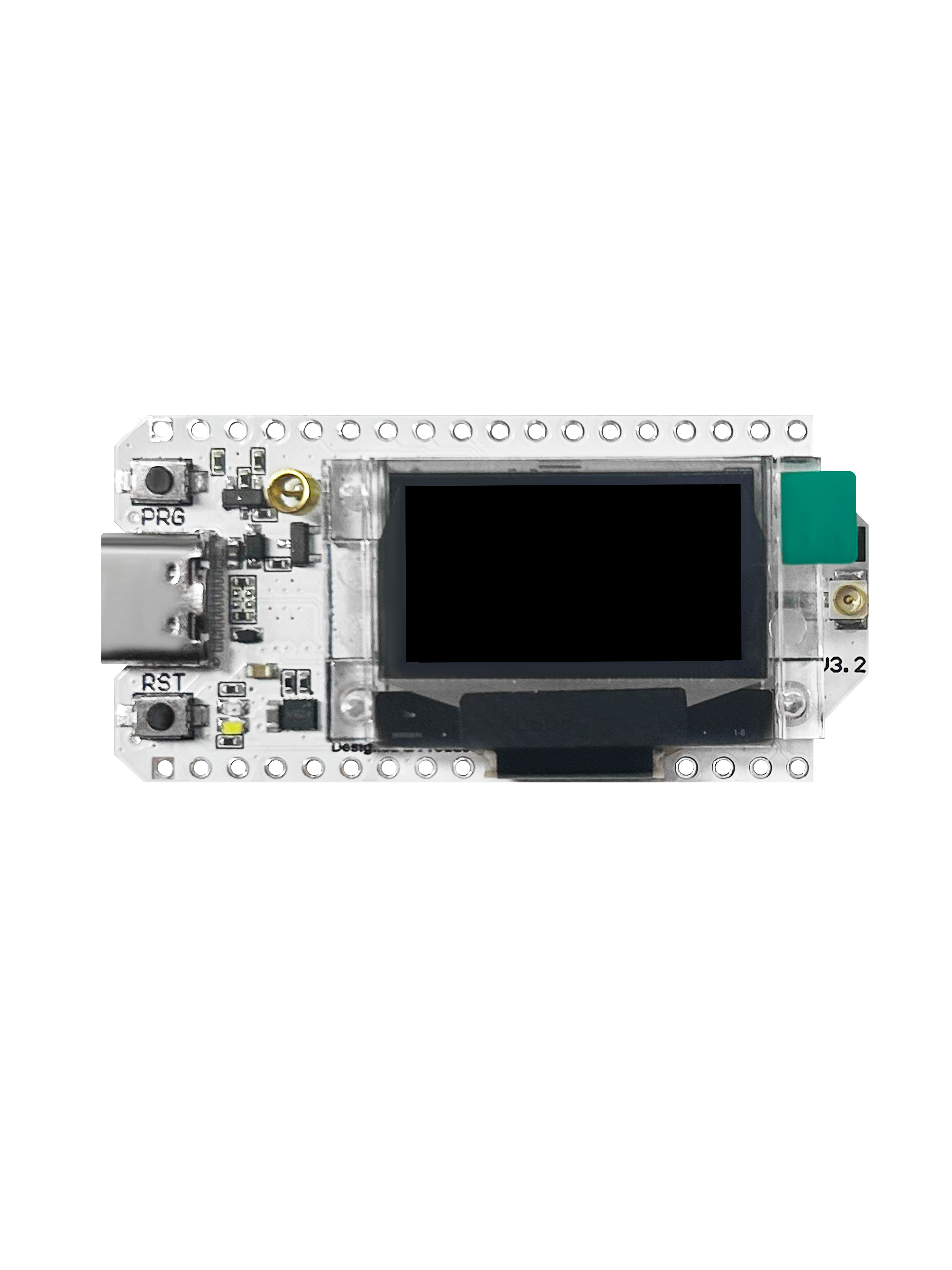
WiFi LoRa 32(V3), ESP32S3 + SX1262 LoRa Node, Meshtastic and LoRaWAN Compatible
View product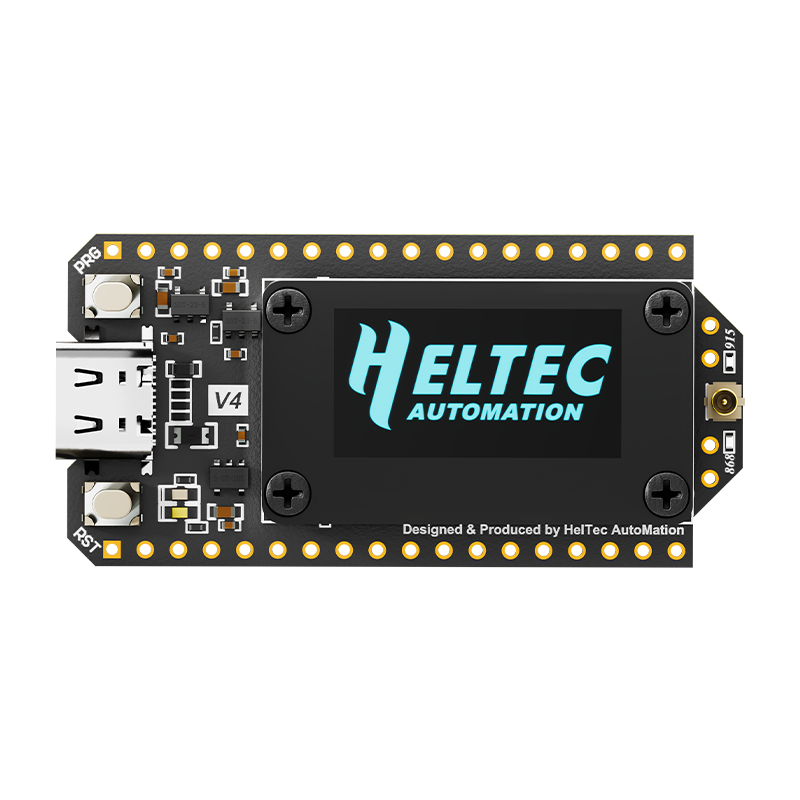
WiFi LoRa 32(V4.3), ESP32S3 + SX1262 LoRa Node, Meshtastic, MeshCore and LoRaWAN Compatible
View product
Mesh Node T114 (Rev. 2.0), nRF52840 + SX1262 LoRa Node +GPS, Meshtastic and LoRaWAN Compatible
View product
Wireless Stick Lite(V3), ESP32S3 + SX1262 LoRa Node, Meshtastic and LoRaWAN Compatible
View product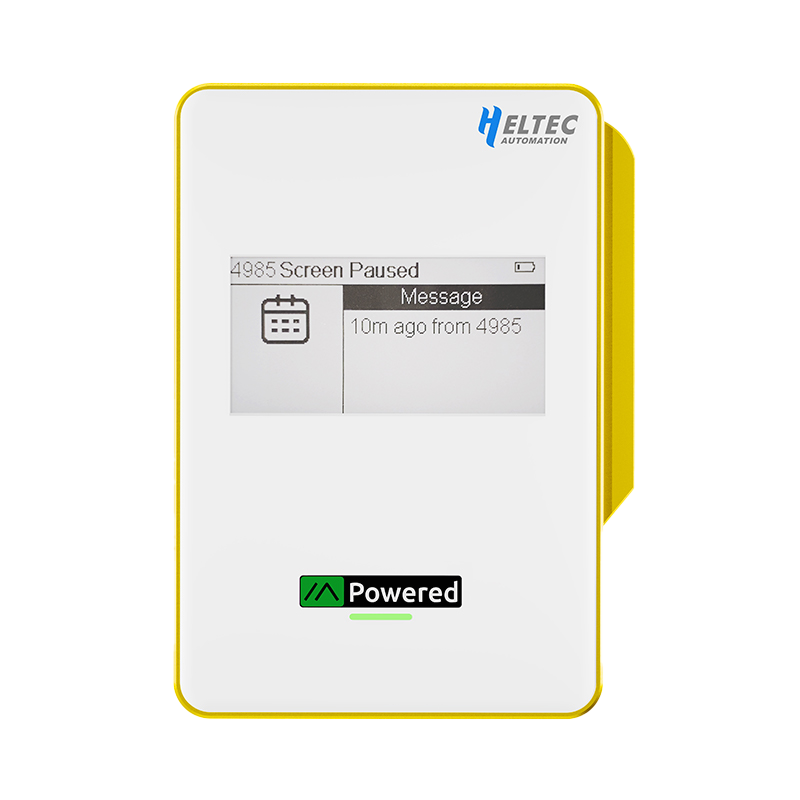
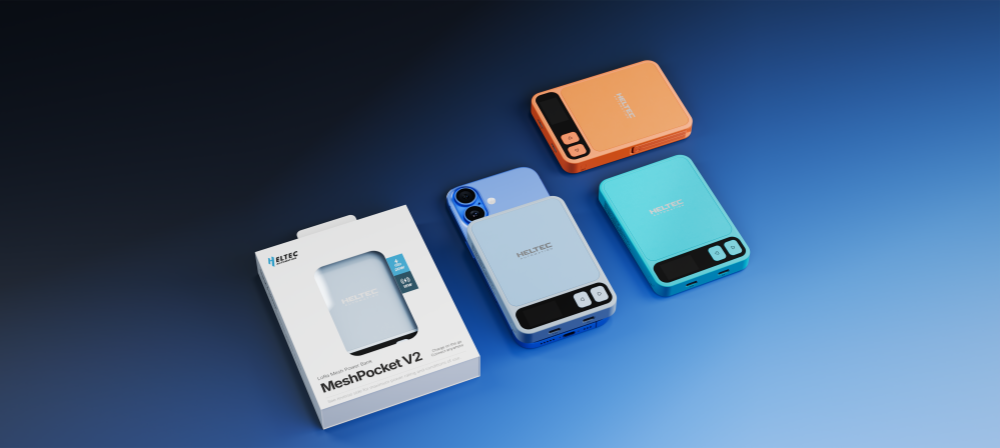
MeshPocket Qi2 Magnetic Charging Power Bank, Meshtastic Compatible
View product
Wireless Tracker, ESP32S3 + SX1262 +GPS LoRa Node, Meshtastic and LoRaWAN Compatible
View product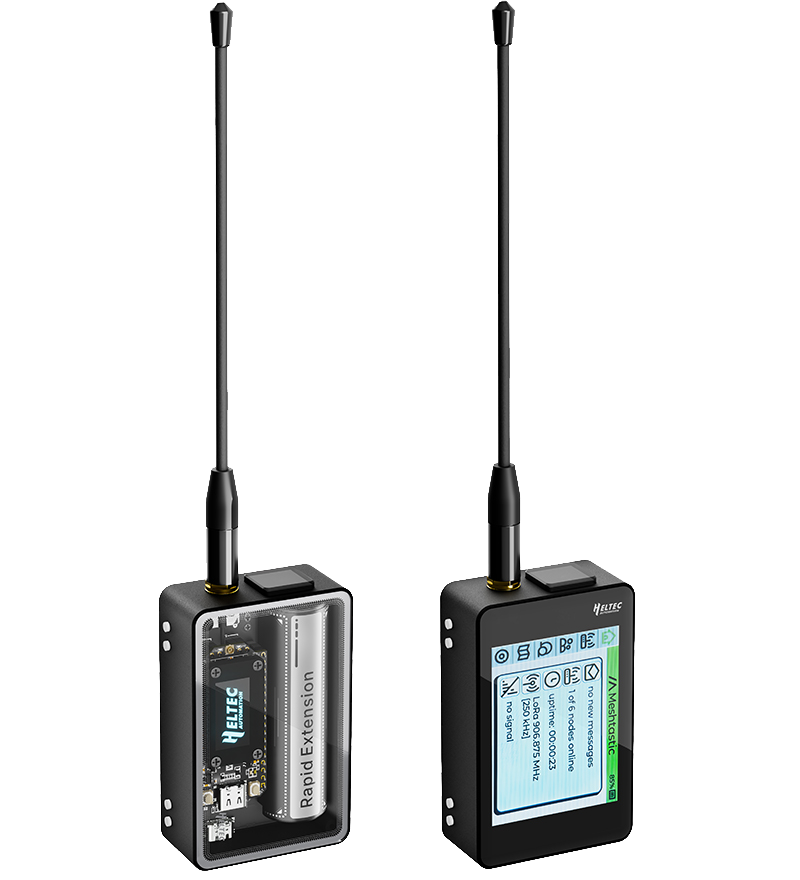
WiFi LoRa 32 Expansion Kit
View product
CubeCell – AB01 Dev-Board (V2)
View product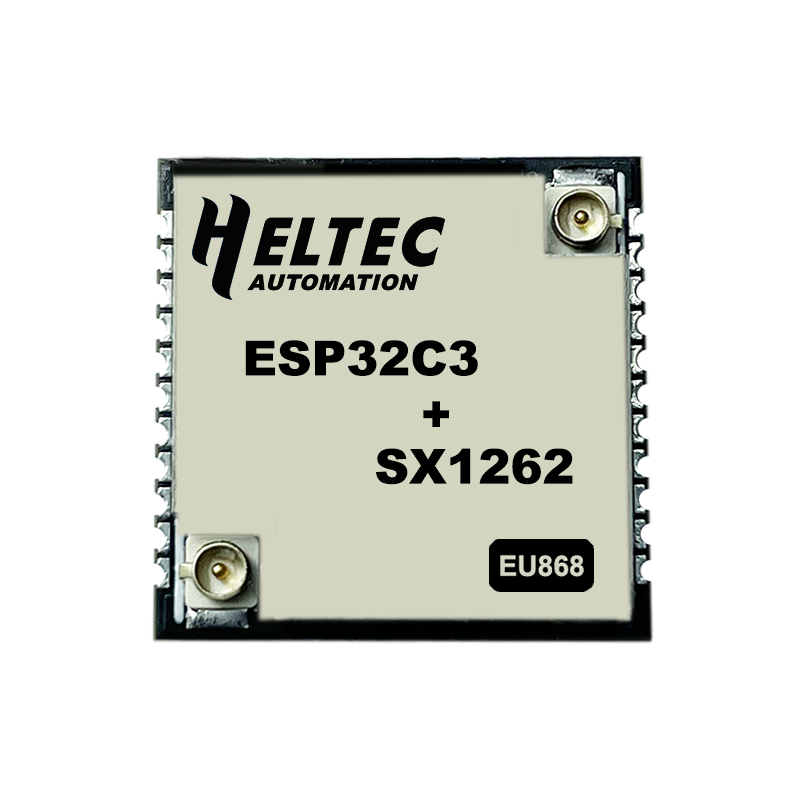
HT-CT62, ESP32C3 + SX1262 LoRa Node, Meshtastic and LoRaWAN Compatible
View product
Mesh Node T096, nRF52840 +GPS+LoRa Node, Meshtastic, MeshCore and LoRaWAN Compatible
View product
Wireless Paper
View product
Heltec Capsule Sensor V3
View product
CubeCell Dev-Board Plus (HTCC-AB02)
View product
Wireless Stick(V3), ESP32S3 + SX1262 LoRa Node, Meshtastic and LoRaWAN Compatible
View product
HT-RA62
View product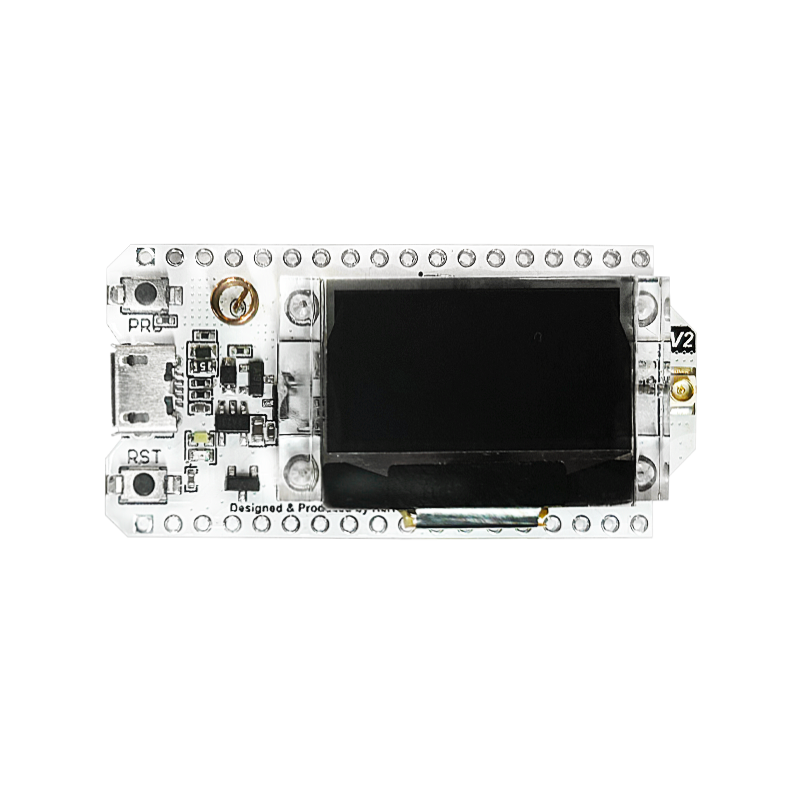
WiFi LoRa 32(V2), ESP32 + SX127X LoRa Node, Meshtastic and LoRaWAN compatible — Phaseout
View product
Mesh Node T1 LoRa Position Tag
View product
Vision Master E290, ESP32S3 + SX1262 E-Ink LoRa Node, Meshtastic and LoRaWAN Compatible
View product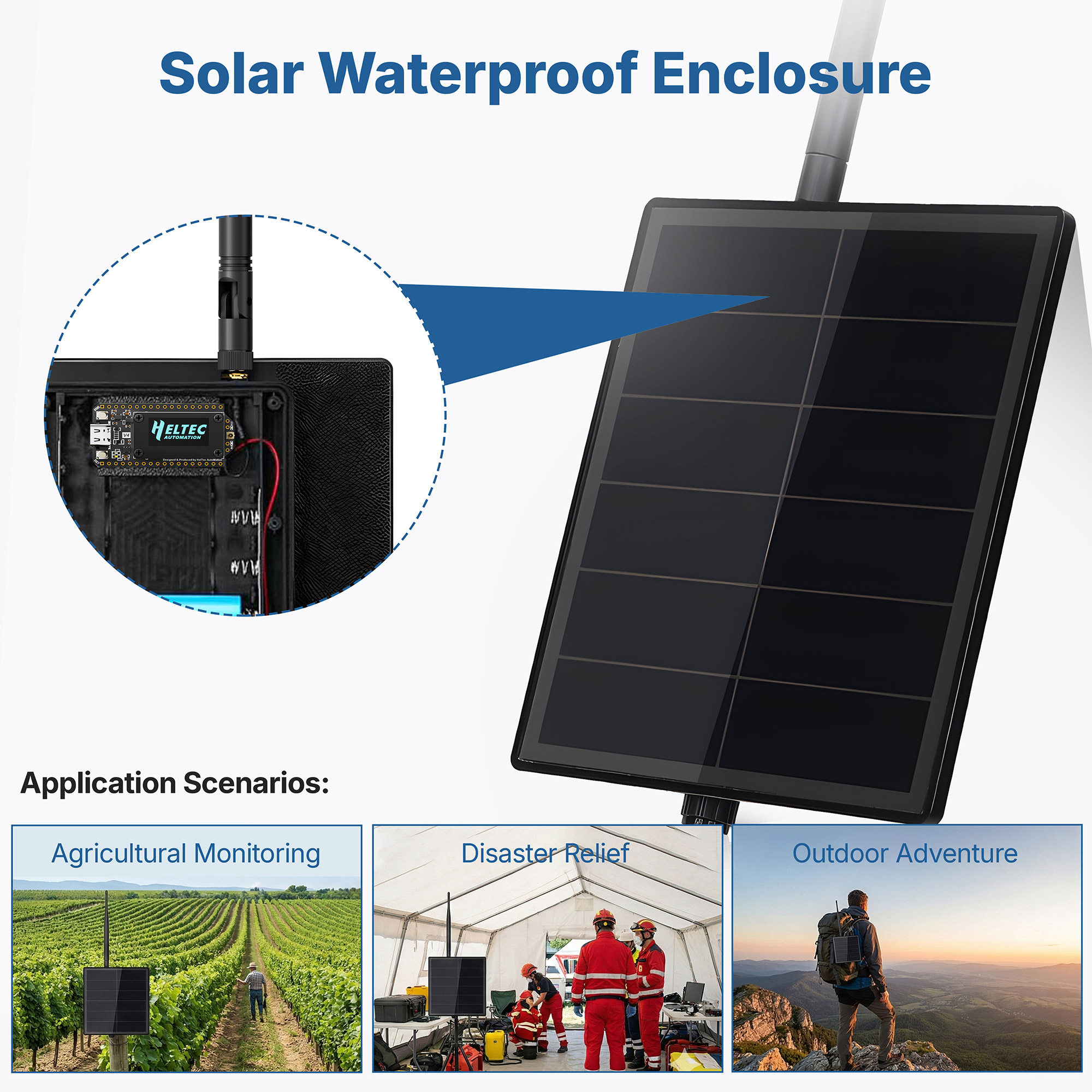
Solar Kit for Dev-board, Waterproof Enclosure for Outdoor Meshtastic/MeshCore
View product
CubeCell – AM01 Module (V2)
View product
Wireless Tracker V2, ESP32-S3 +GPS+LoRa Node, Meshtastic, MeshCore and LoRaWAN Compatible
View product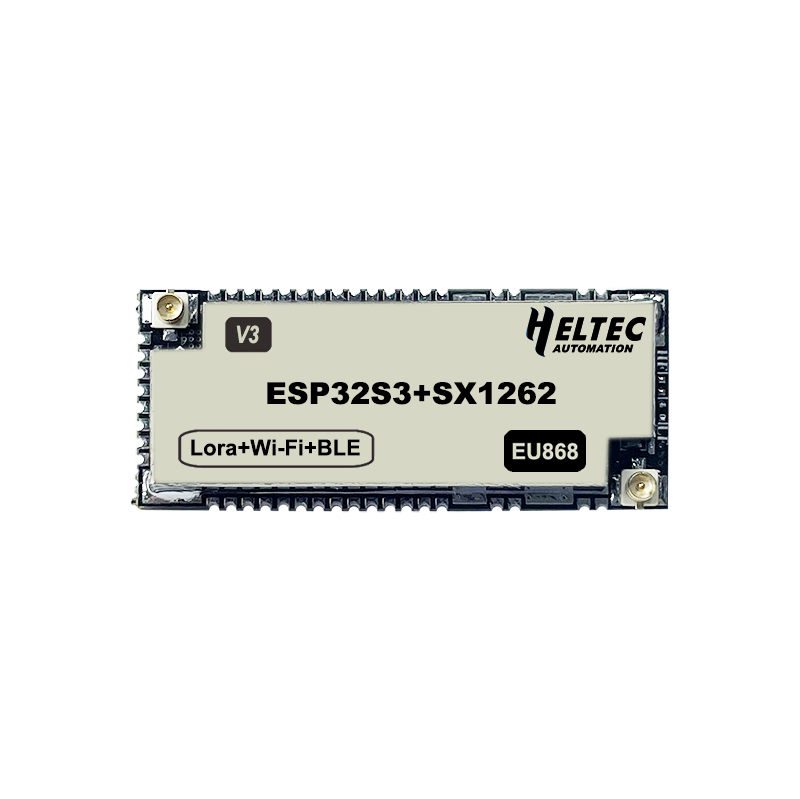
Wireless Shell(V3), ESP32S3 + SX1262 LoRa Node, Meshtastic and LoRaWAN Compatible
View product
MeshTower V2, 30dBm Outdoor LoRa Node
View product
CubeCell AM02 Module Plus
View product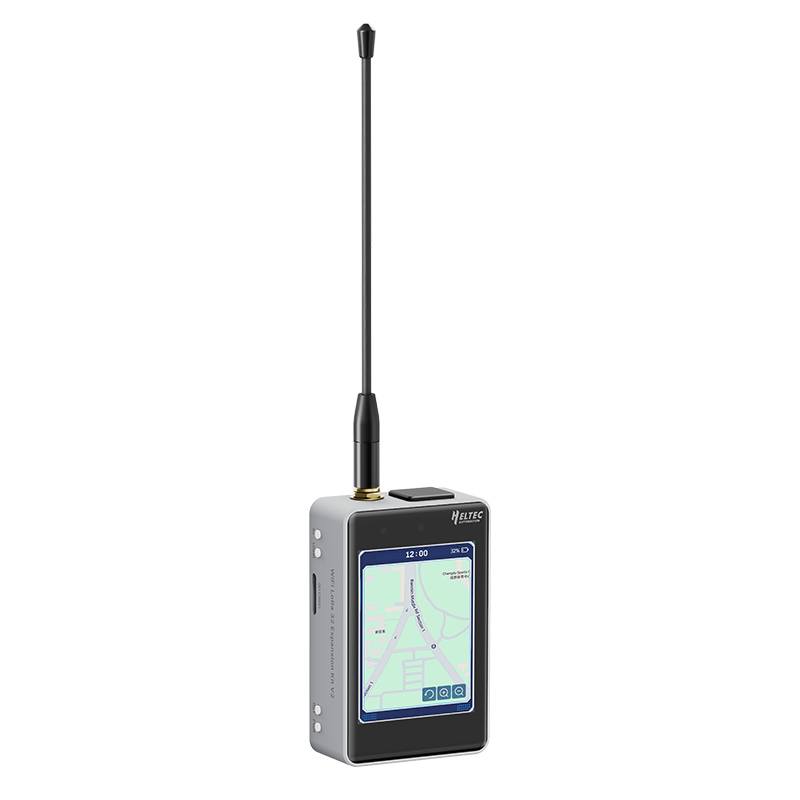
WiFi LoRa 32 Expansion Kit V2
View product
Vision Master T190, ESP32S3 + SX1262 LoRa Node, Meshtastic and LoRaWAN Compatible
View product
RS485-LoRaWAN Wireless Converter
View product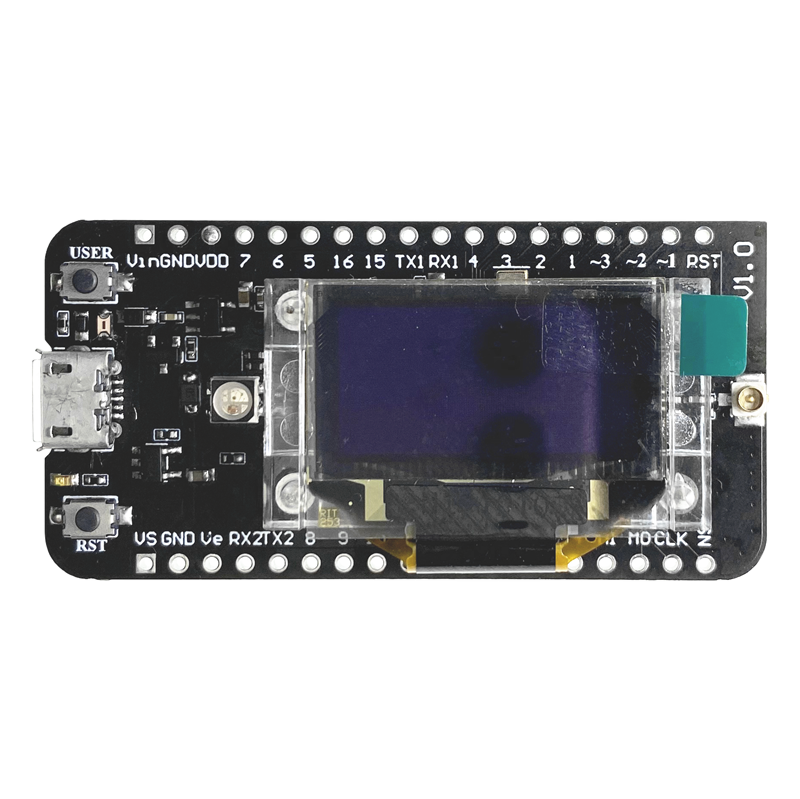
CubeCell GPS-6502 (HTCC-AB02S)
View product
Vision Master E213, ESP32S3 + SX1262 E-Ink LoRa Node, Meshtastic and LoRaWAN Compatible
View product
CubeCell 1/2AA Node (HTCC-AB02A)
View productRS485-LoRa Wireless Converter
View product
MeshSolar, Li-ion BMS, Solar Charging, BLE/ LoRa Connectivity Dev Board
View product
HT-AT62
View product
nRF52840 + SX1262 Mesh Node N5262M Module, Meshtastic Compatible
View product
Wireless Bridge
View product
Sufficient IoT Hub
View product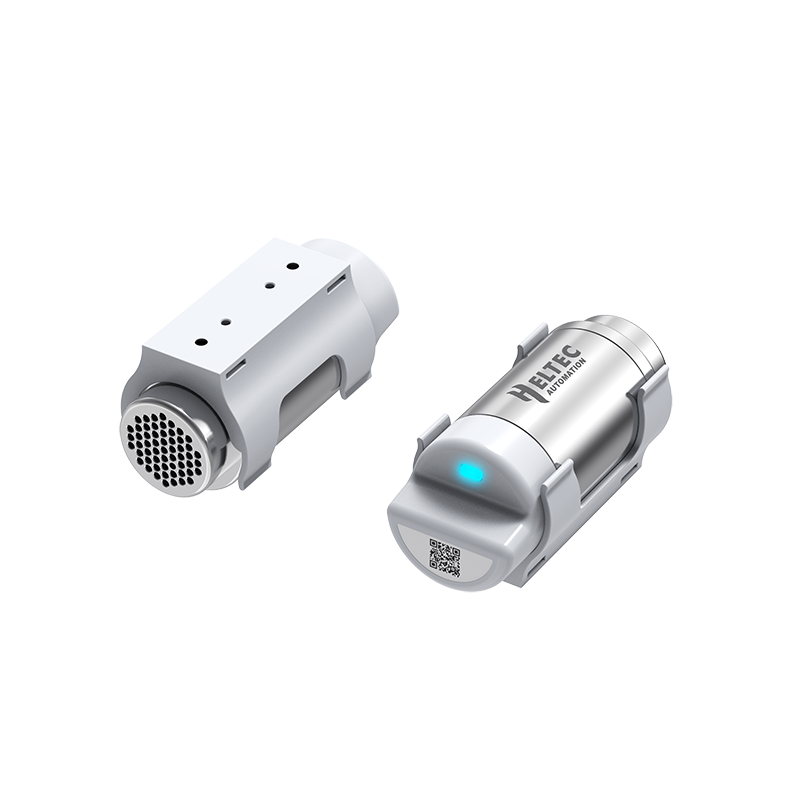
Sensor Hub
View product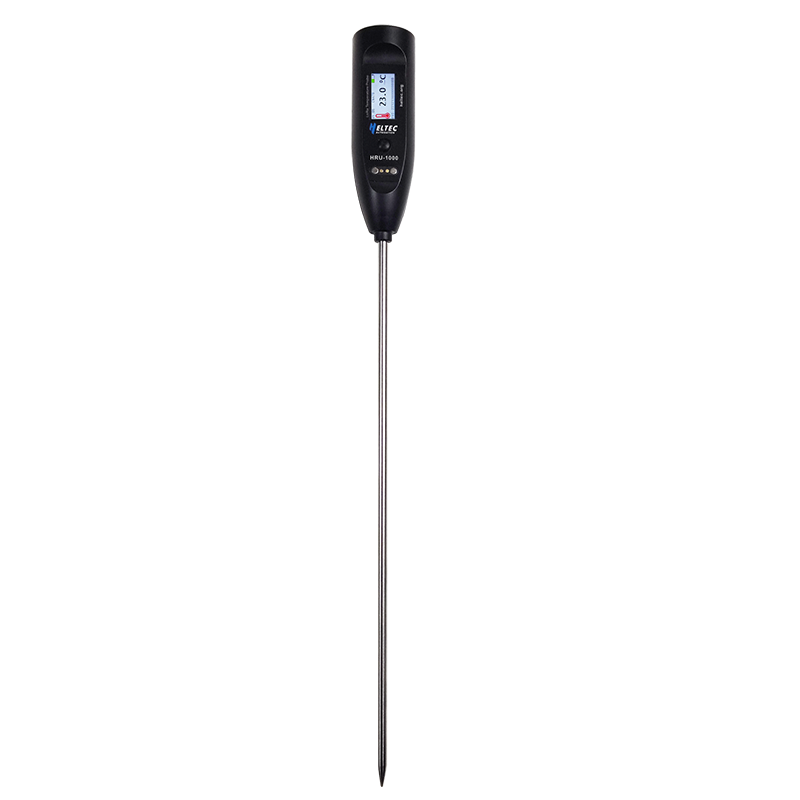
Wireless Thermoprobe
View product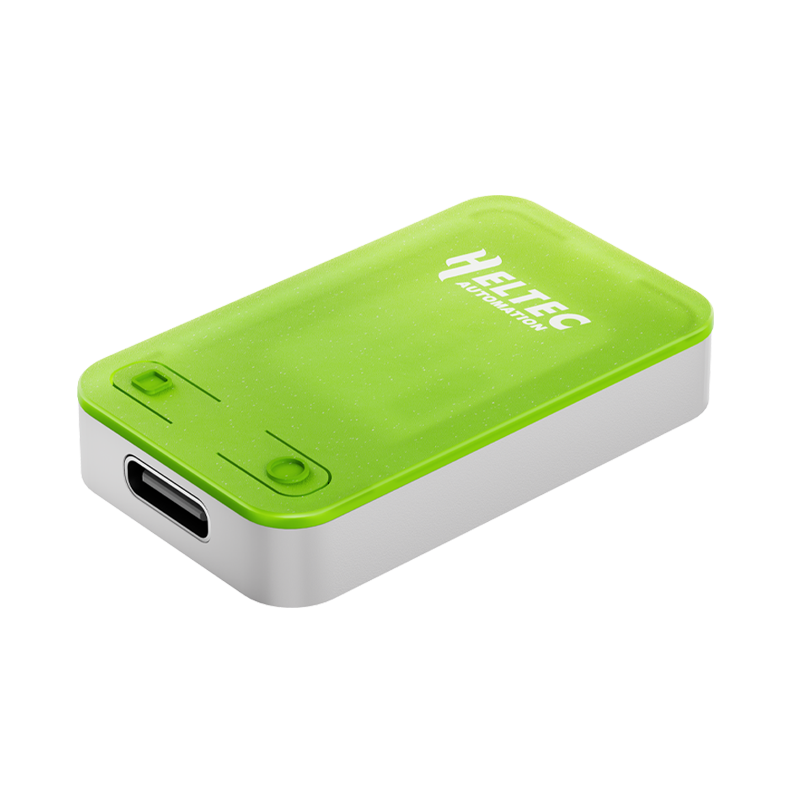
RC52, RadioCore nRF52840,BLE, LoRa, Meshtastic, MeshCore, LoRaWAN
View product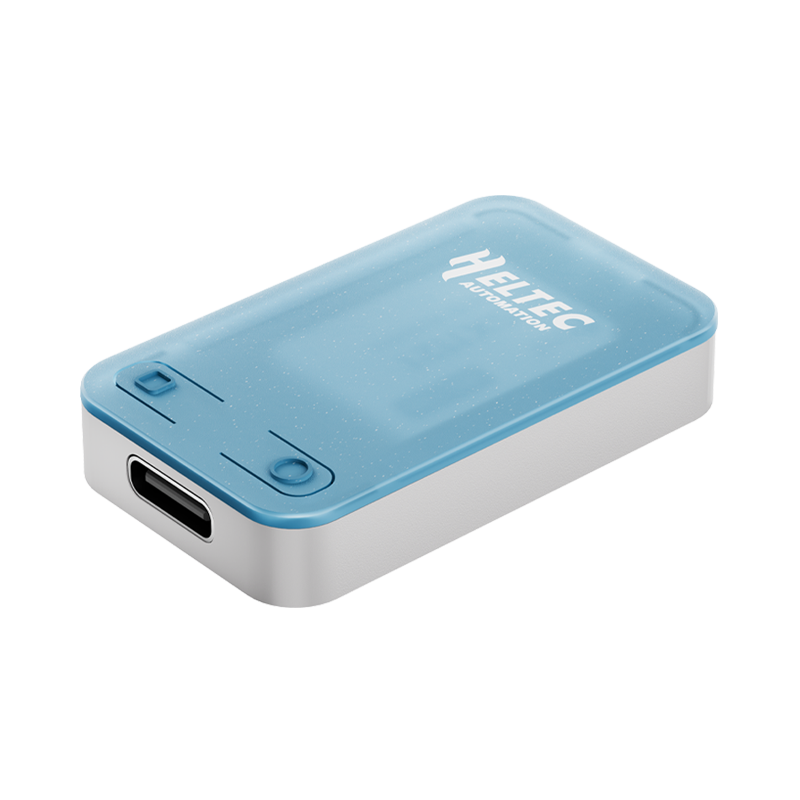
RC32, RadioCore ESP32-S3 LoRa Wi-Fi HaLow, Meshtastic, MeshCore, LoRaWAN
View product
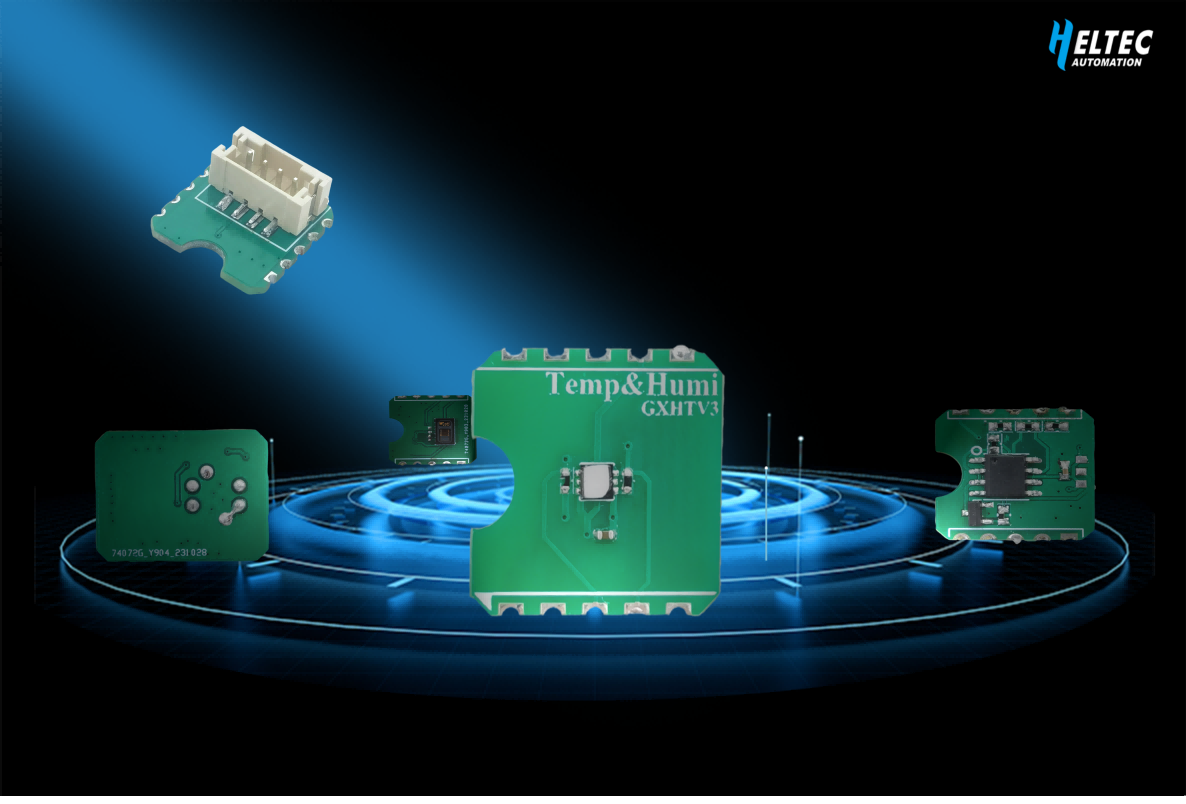
SensorHub, Temperature & Humidity sensor, Meshtastic and LoRaWAN compatible
View product
Multi Size E-ink Drive Board
View productRS485 Wireless Converter
View product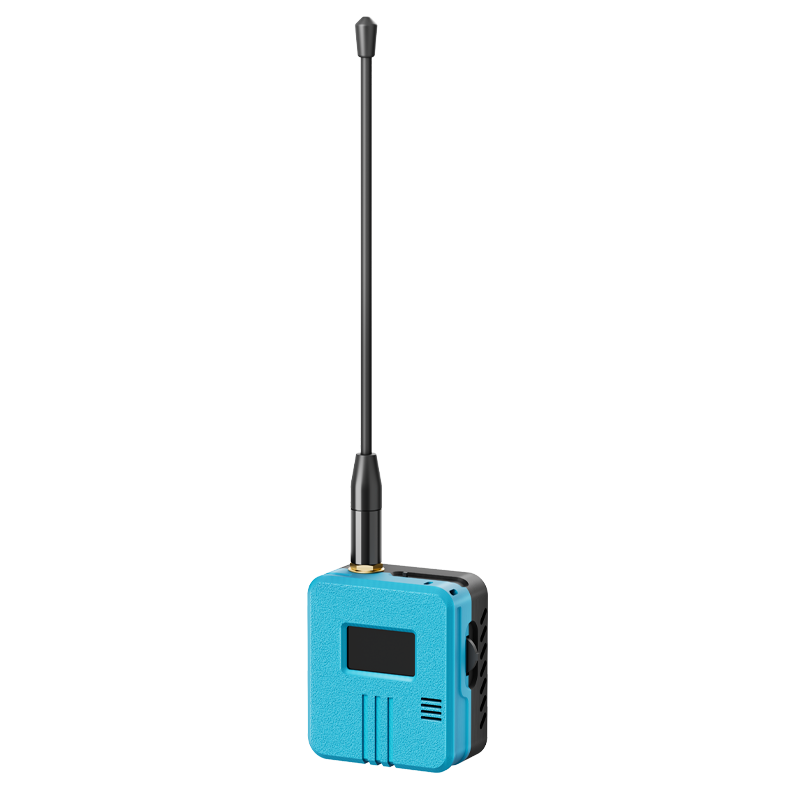
RD-GA01, RadioCore , 9-axis IMU, GNSS, LoRa Mesh Node
View product
Wireless Aggregator — Pulse Valve Controller
View product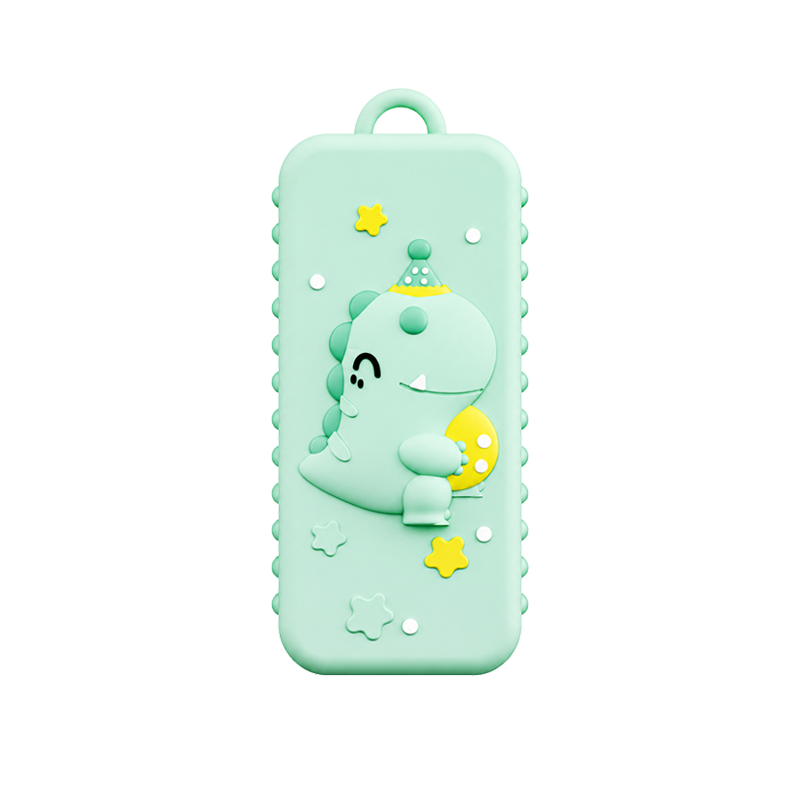
RDC1, RadioCore Mini Portable LoRa Node
View product
Turtle Board
View product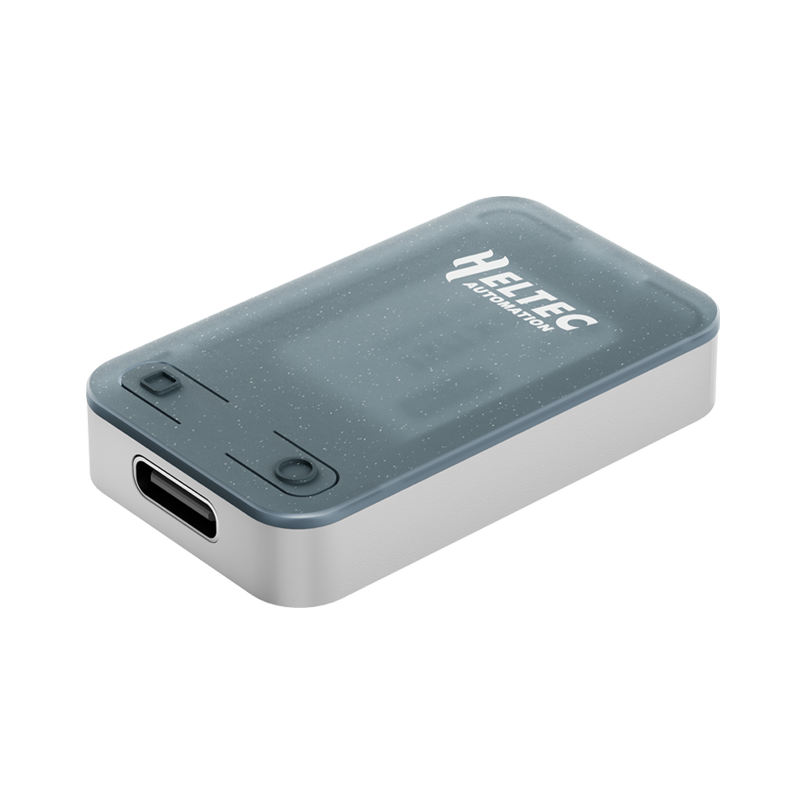
RCC6, RadioCore ESP32-C6 LoRa Wi-Fi BLE, Meshtastic, MeshCore, LoRaWAN
View productWireless Aggregator — Bus Transformer
View product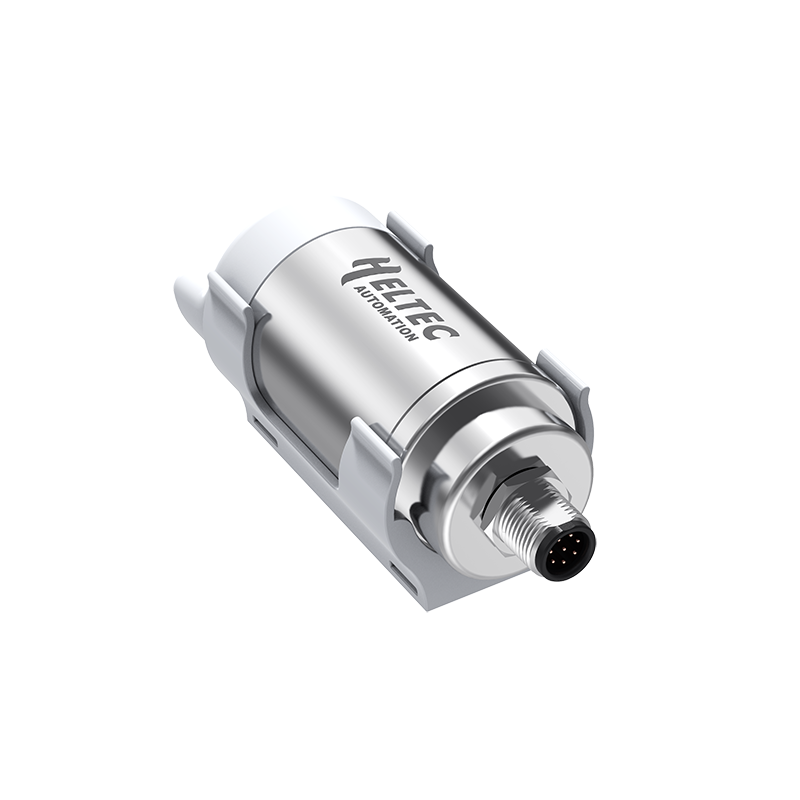
Sensor Hub — Bus Transformer
View product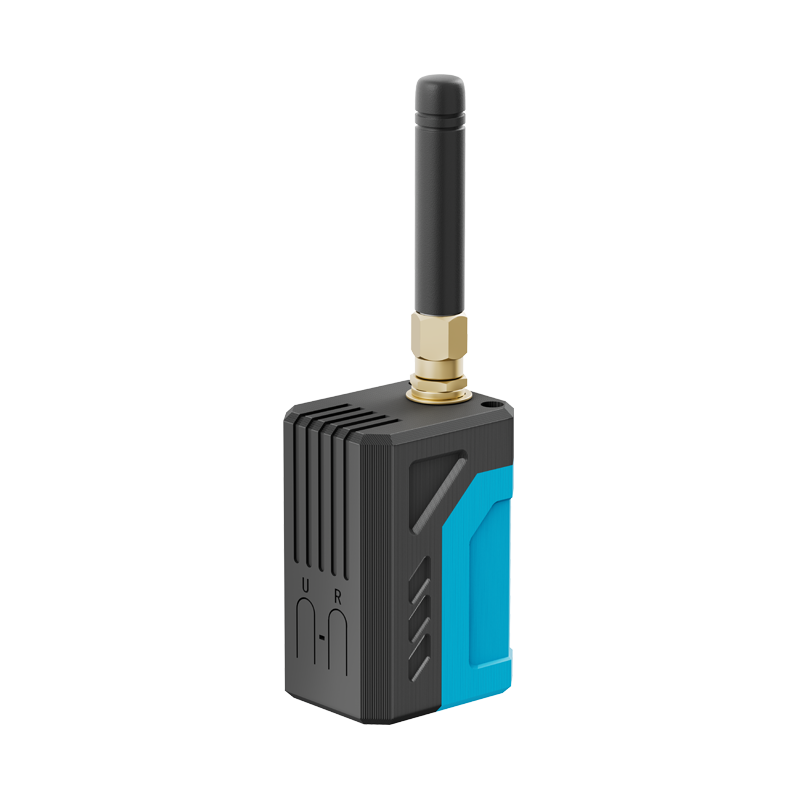
RD-GB01, RadioCore LoRa, GNSS Kit
View product
Wireless Aggregator — Sensor Docker
View product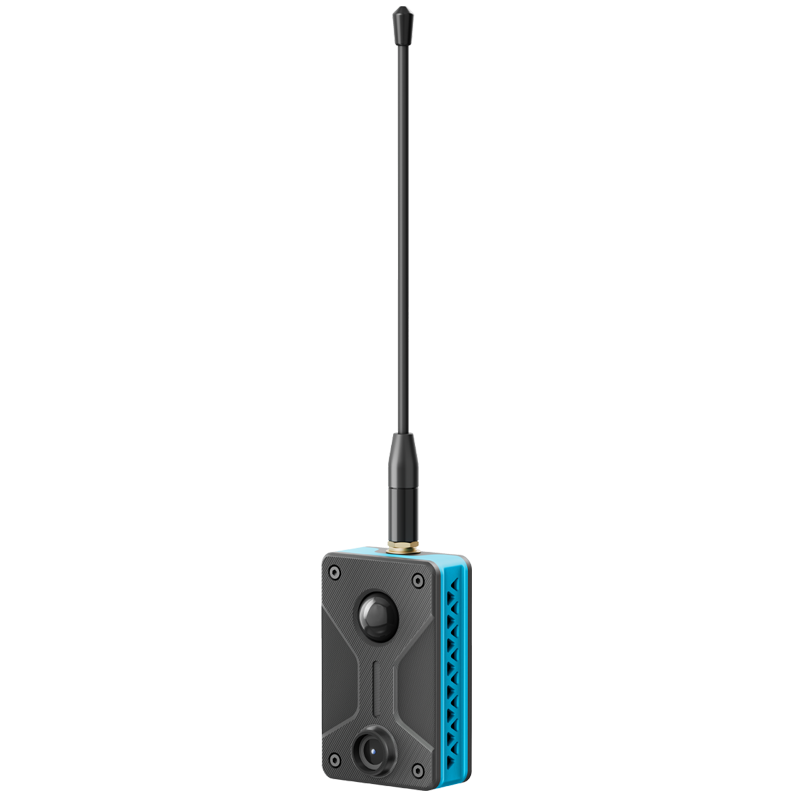
RS-CP01 PIR & Camera Expansion Kit
View product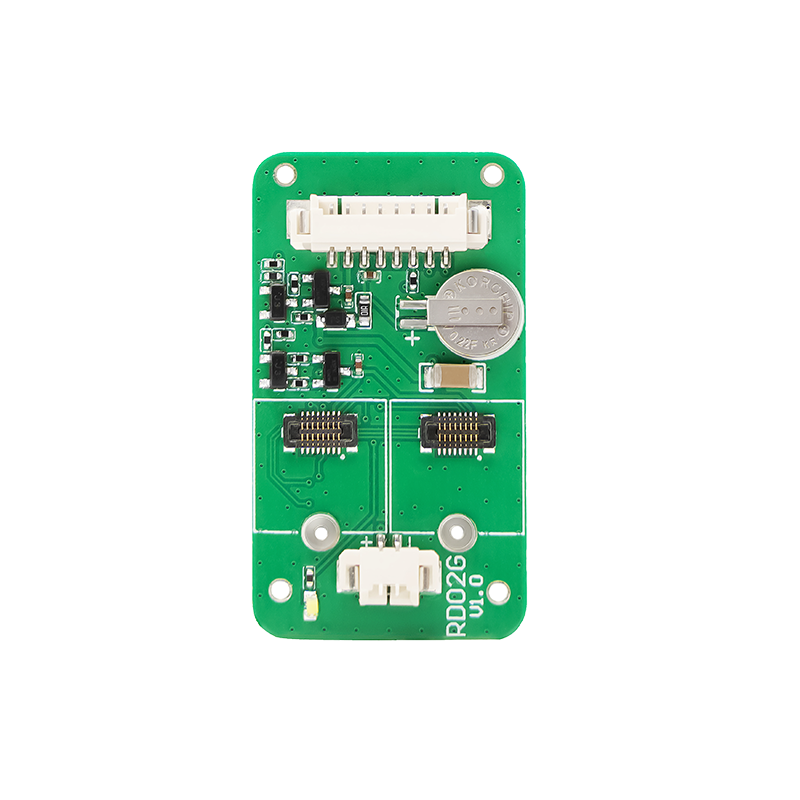
RD02G, Extension Board for RadioCore
View product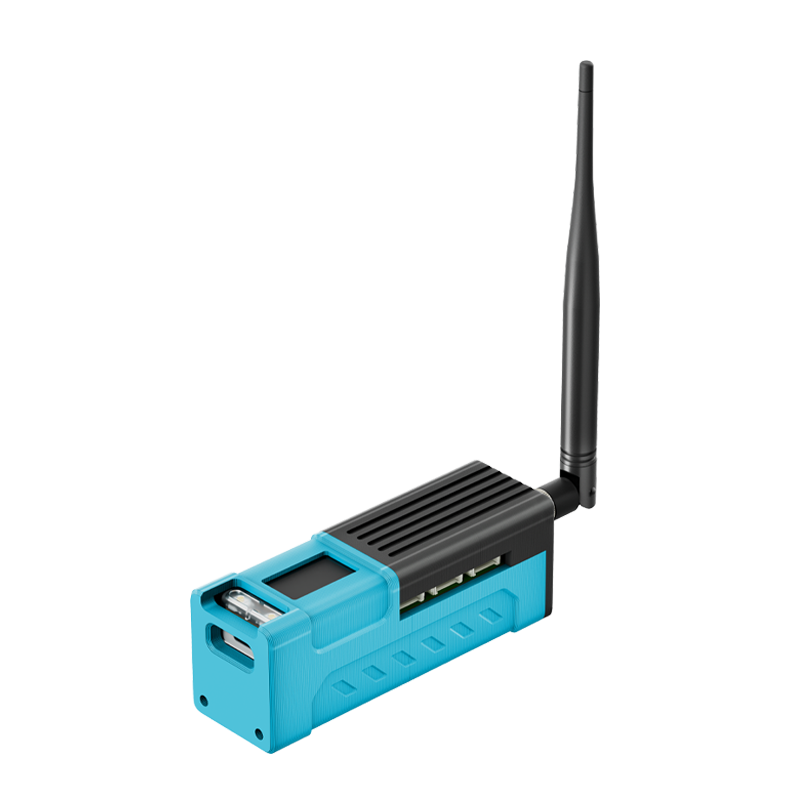
RD01, Sensor Extension Kit for RC32
View product
LoRa Kit 151
View product
Wireless Temperature Measuring Rod
View product
LoRa Node 151
View product3. Deploy Gateways
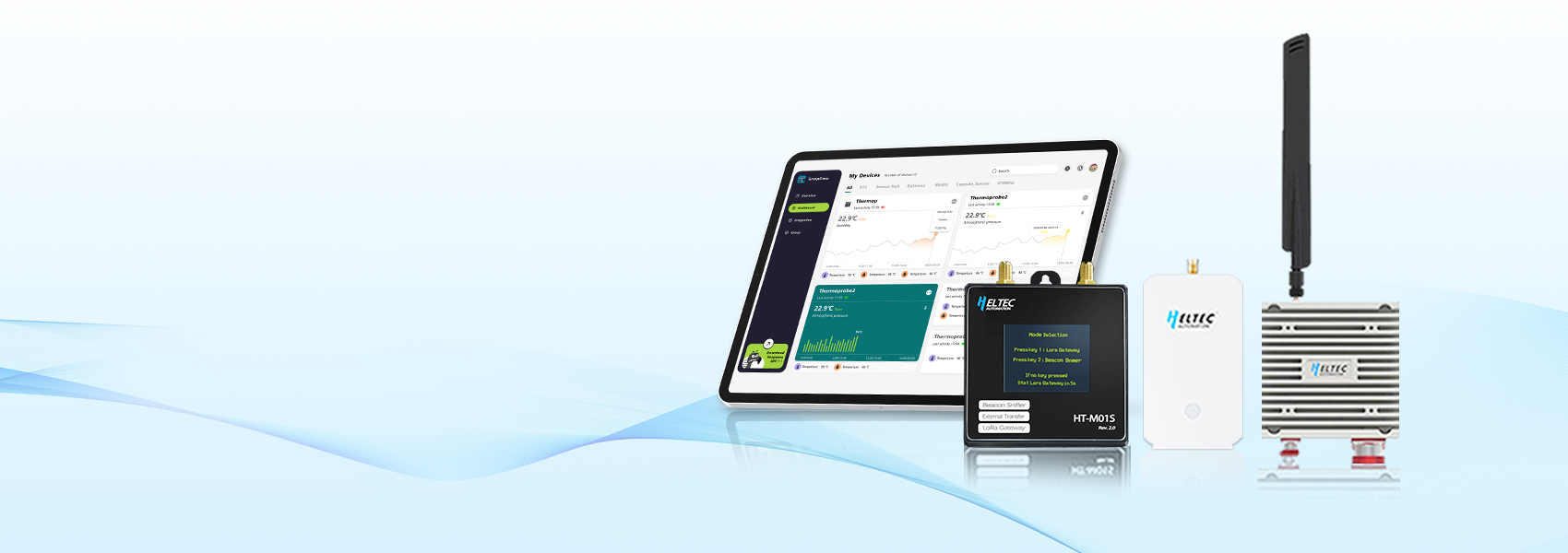
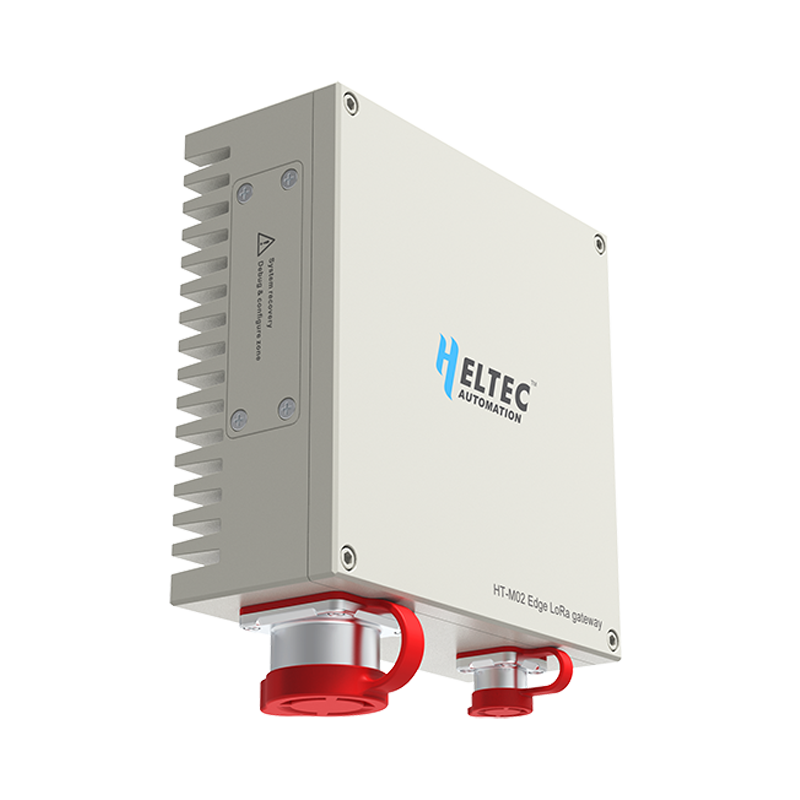
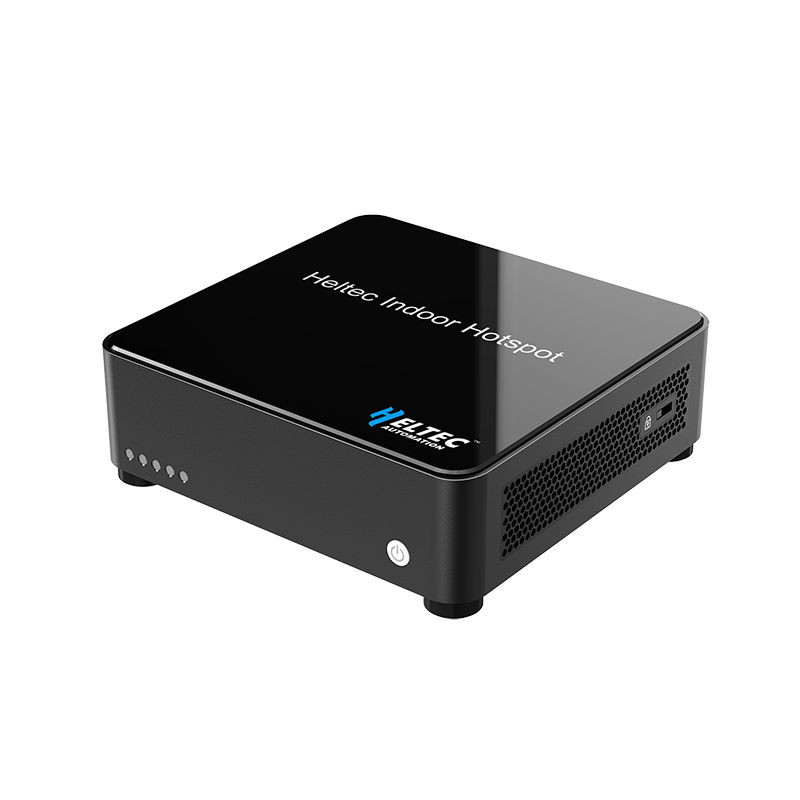
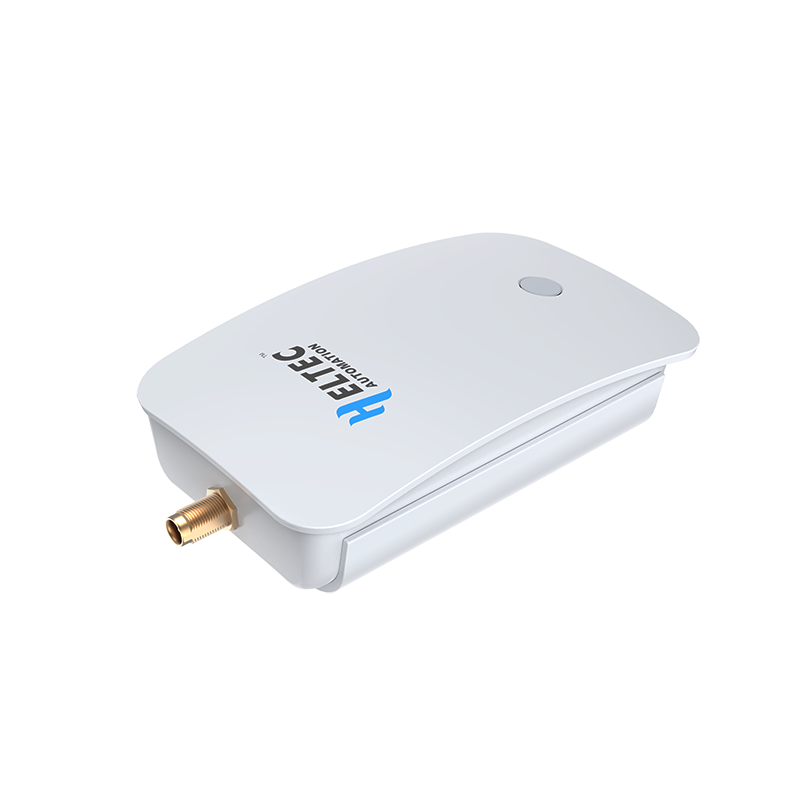
Gateways: Responsible for receiving and forwarding data from LoRaWAN nodes. Consider coverage range, number of connected devices, and installation environment when selecting.
4. Network Server
5. Application Server Integration
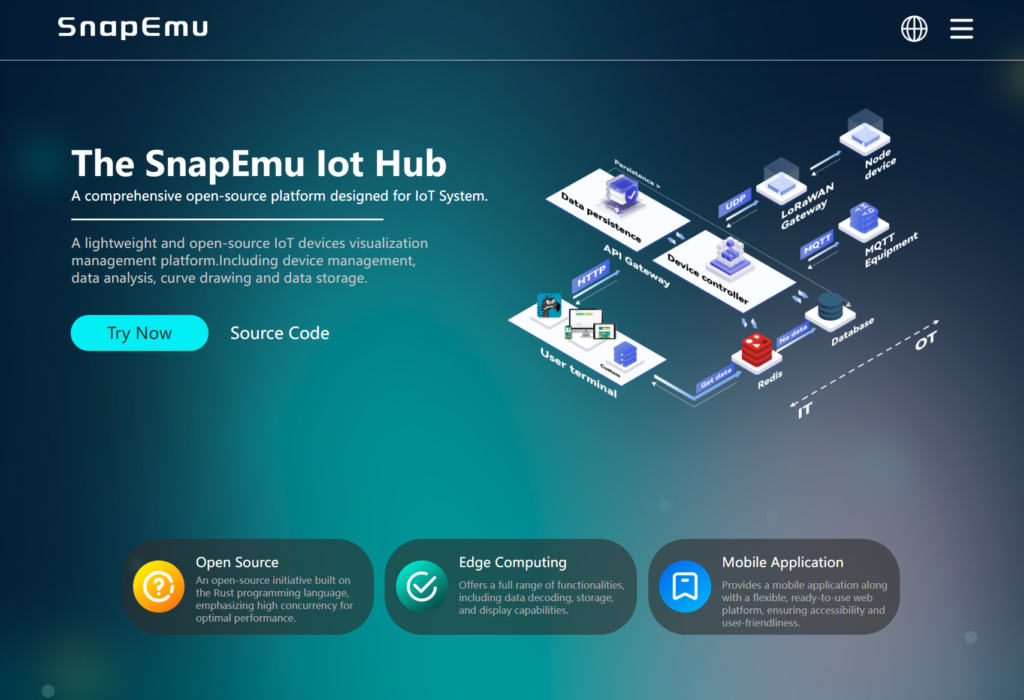
Configure data forwarding rules on the network server to send data to the application server.
SnapEmu provides API interfaces, process data on the application server.
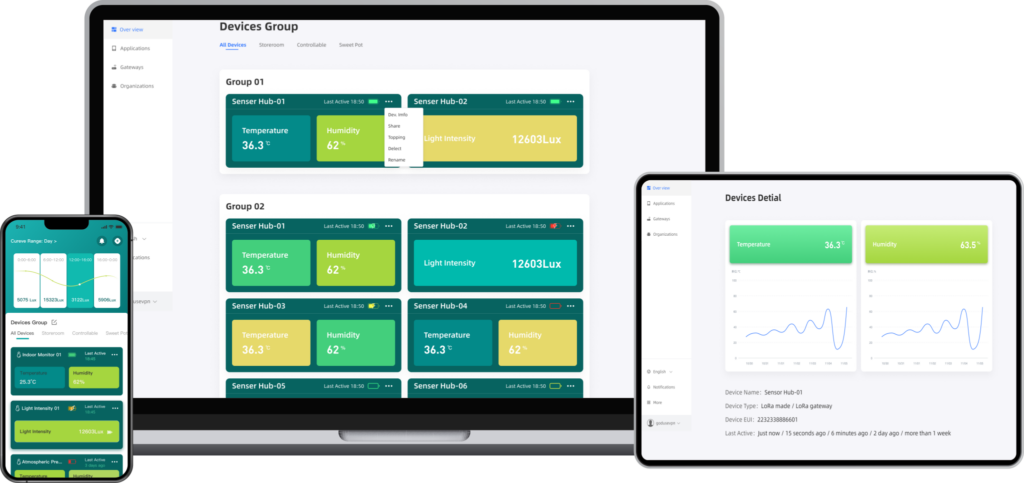
Use SnapEmu APP for visualization.